

What really changed.
Compare two JSON documents in your browser by their values, not their spacing or key order, and get each change as a path and as a JSON Patch.
By Suraj Kumar4 min read
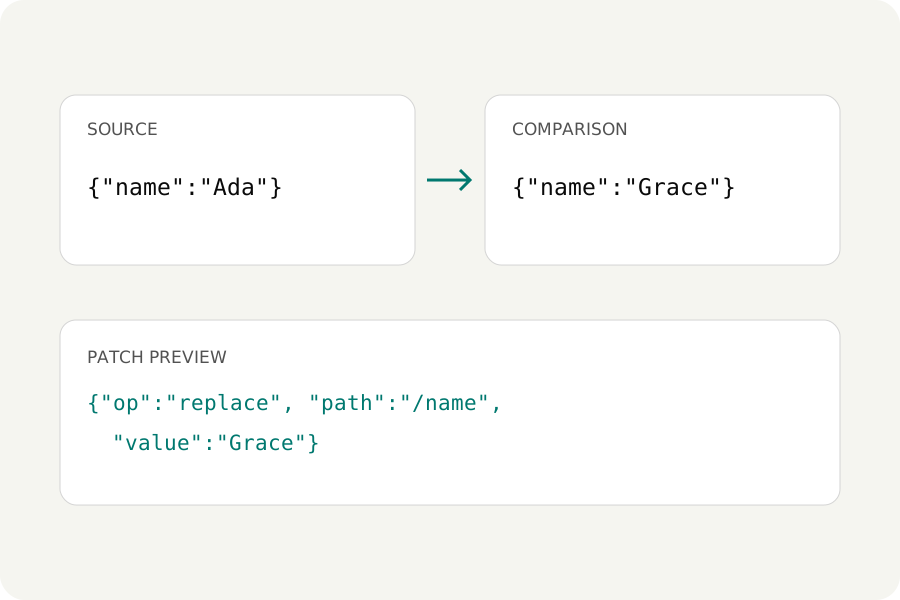
Two API responses, two versions of a settings file: you want to know what changed. A text diff answers a different question, how the characters changed, and with JSON that is mostly noise.
Why a text diff is not enough.
Two files can hold the same data and look nothing alike: one formatted and one minified, keys in another order, 1.0 where the other has 1. A line-by-line diff marks almost every line as changed. A JSON comparison reads both documents and compares their values.
Compare them.
Open the JSON formatter and choose Compare two. Paste the first document in Your JSON and the second in Comparison JSON, then Compare JSON. Each difference is listed as an addition, a removal or a replacement, with the JSON Pointer path of the value and its text before and after.
Your JSON:        {"name":"Ada","tags":["a","b"],"score":1.0}
Comparison JSON:  {"score":1,"name":"Ada","tags":["a","b","c"]}

add  /tags/2  "c"
What counts as a change.
Object keys can come in any order; only names and values count. Numbers are compared as exact decimals, so 1, 1.0 and 1e0 are the same, while 9007199254740993 and 9007199254740992 are different even though JavaScript would round them to one number. Strings are compared as the text they hold, so "\u00e9" and "é" are equal.
Arrays are compared by position. Put one new item at the front of ["x", "y"] and the comparison reports /0 and /1 as replaced and /2 as added, because each position now holds something else. Sort both arrays first when their order does not matter to you.
The changes as a JSON Patch.
The comparison is also written as a JSON Patch (RFC 6902): the operations that turn the first document into the second. Download it to make the same change elsewhere, or Swap documents for the patch the other way round. A patch can be tried in the same workflow with Preview patch, which applies every operation or none.
Limits, and narrowing it down.
Up to 500 changes are listed. For two large responses, choose the part that matters in each with Query, and compare those. Names written twice must be made unique first, because programs disagree about which value such a name holds. Both documents stay in your browser; nothing is uploaded.
Further reading
Topics: compare two json files · json diff · json compare online · json diff ignore key order · compare json objects · json patch generator · semantic json diff
A little less theory. A little more doing.
Try it on your own terms, with a free browser tool.
Try the tool