

Format JSON without handing it over.
Some online formatters keep what you paste. How to format and validate JSON in your browser with nothing uploaded, and how to check any page yourself.
By Suraj Kumar4 min read
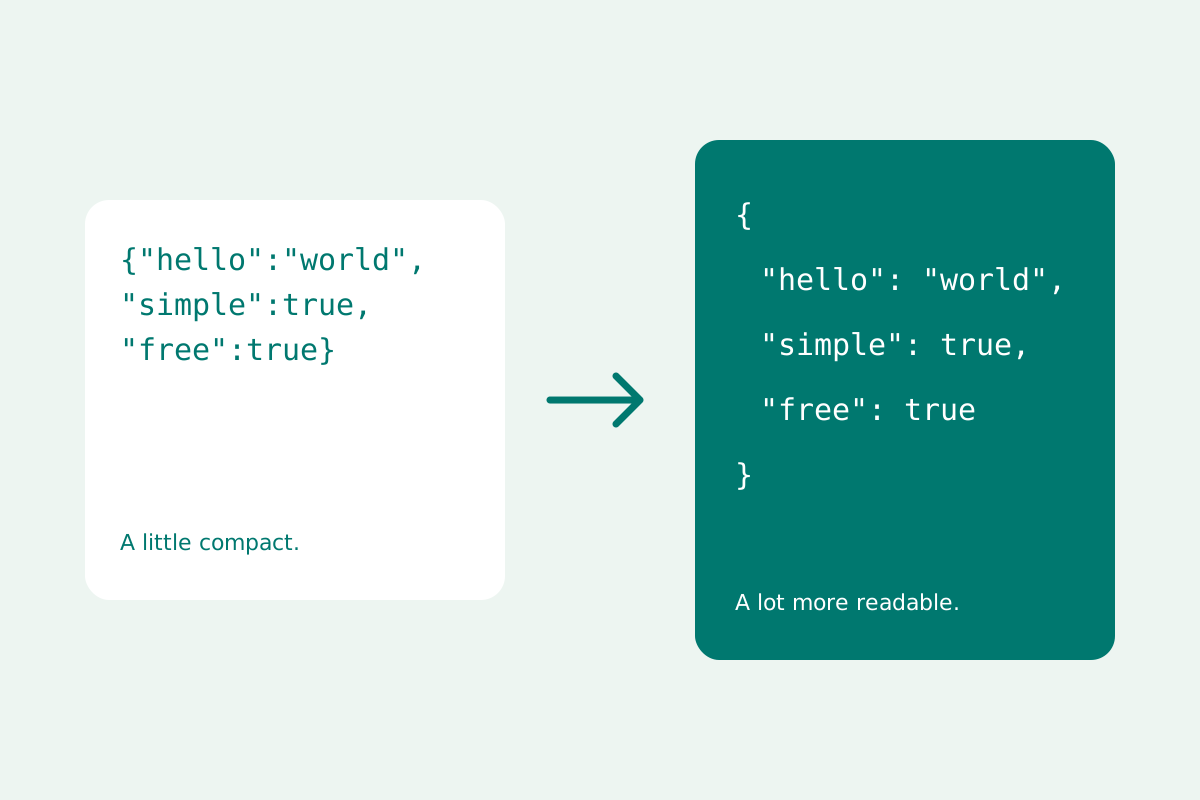
Pasting JSON into a formatter is one of the most ordinary things a developer does. What the JSON holds is often not ordinary at all: tokens, keys, customer records. Where the text goes after you paste it matters.
What was found in 2025.
In November 2025, researchers at watchTowr reported that two popular formatting sites, JSONFormatter and CodeBeautify, held more than 80,000 saved JSON entries that others could read, as Help Net Security described. The pastes held credentials, cloud keys, private keys, API keys and personal details from organisations in government, finance, healthcare and other fields.
Saved outputs were listed in the sites' recent links, and others could be found because their links followed a pattern. When the researchers planted fake keys, someone tried to use one about two days later. The lesson is not about two sites: a formatter that sends your text to a server, or saves it behind a link, holds a copy you no longer control.
What JSON tends to carry.
API responses carry tokens and personal data, configuration files carry connection strings and keys, and logs carry whatever passed through them. Before pasting, ask what the most sensitive field in the document is, and treat the whole paste as that.
How the KeepSimp formatter works.
KeepSimp's JSON formatter formats, validates, queries and converts in a worker in your browser. Nothing is uploaded, there is no save-for-a-link feature, and documents are not kept: refreshing or leaving the page clears them, and only preferences such as the theme are stored. After one visit to the tools, the whole site works without a connection.
Before you copy a document anywhere else, More transformations can redact the property names you choose, such as password or token, at every depth. It matches exact names, so it cannot promise to find every secret.
Check any formatter yourself.
Open the Network panel of your browser's developer tools, clear it, then paste and format. A page that keeps your text on the device shows no new request carrying it. Look too for Save, Share or Recent buttons: a link that opens your document on another computer means the document was stored somewhere.
Then build habits that do not depend on any page: replace secrets with placeholders before sharing JSON in a ticket or a chat, rotate a key you have pasted somewhere you do not trust, and keep the original file.
Further reading
Topics: is it safe to paste json online · json formatter privacy · format json locally · json formatter offline · json formatter no upload · secure json formatter · secrets in json
A little less theory. A little more doing.
Try it on your own terms, with a free browser tool.
Try the tool