

JSON in a spreadsheet.
Turn a JSON array into a CSV file in your browser, nothing uploaded, then open it in Excel without losing leading zeros or long IDs to its guesses.
By Suraj Kumar5 min read
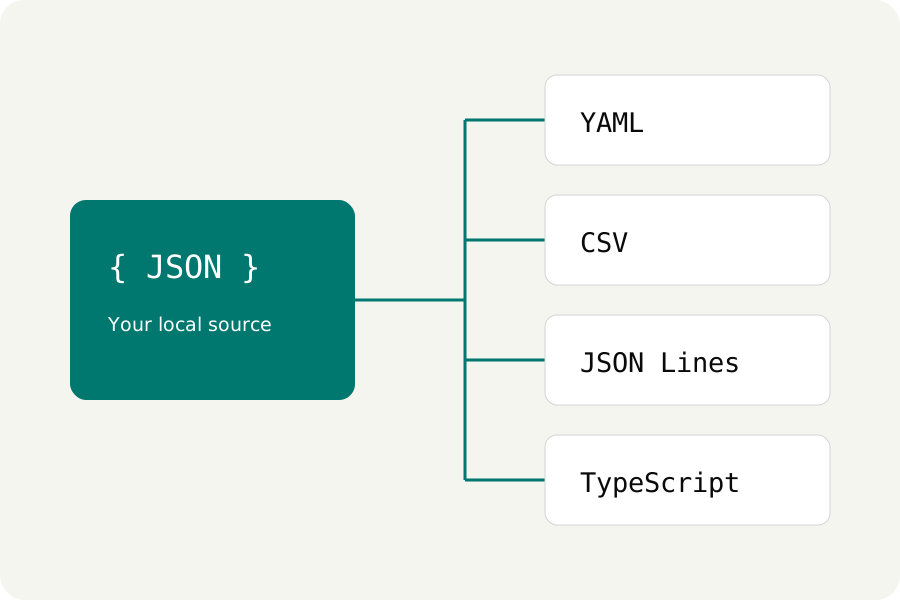
An export arrives as JSON and the person who needs it works in a spreadsheet. A CSV file bridges the two, as long as the JSON is shaped like a table and the spreadsheet is stopped from guessing.
Start from a list of records.
CSV is a table, so the JSON has to be one: an array of objects, one object for each row. Every name used by any object becomes a column, in the order the names first appear, and an object without that name gets an empty cell.
If the rows sit inside a wrapper, such as {"data": [ … ]}, select the inner array first: in Query, choose JSON Pointer, type /data, and choose Use result as source.
[
  {"id": "0042", "name": "Ada", "tags": ["admin", "editor"]},
  {"id": "0043", "name": "Lin"}
]

id,name,tags
0042,Ada,"[""admin"",""editor""]"
0043,Lin,
Convert it.
Open the JSON formatter, paste the JSON or open the file, and choose Turn it into CSV or YAML, then JSON → CSV. Table view shows the first 100 rows, and the download holds every row as a .csv file. The conversion runs in a worker in your browser; nothing is uploaded.
Up to 200 columns are written. The whole document is limited to 100,000 values, and every object and every value in it counts, so a table of ten columns fits about 9,000 rows.
Nested values stay as JSON text.
A cell can hold only text, so an object or an array inside a row is written into its cell as compact JSON, as tags is above. Numbers, true and false are written as they were typed. Nothing is spread into extra columns by guesswork; if a nested field needs a column of its own, the rows need it at their top level.
Formula protection is on.
A cell that starts with =, +, -, @, a tab or a carriage return can be read by a spreadsheet as a formula, which is how CSV injection works. Protect spreadsheet formulas, on by default, puts an apostrophe in front of such cells. That changes their text, negative numbers such as -5 included, so turn it off only for data you trust.
Open it in Excel without losing digits.
Double-clicking a CSV lets Excel guess each column's type. Microsoft's support pages say Excel removes leading zeros, writes large numbers in scientific notation, and rounds any digits after the fifteenth to zero. That turns 0042 into 42 and changes a 19-digit ID.
To keep them, import the file instead. In Excel, choose Data, then From Text/CSV, pick the file and choose Transform Data. Select the columns that hold codes or IDs, set their type to Text (Home, Transform, Data Type, Text), then Close & Load.
KeepSimp writes CSV, not .xlsx; Excel, Numbers, LibreOffice and Google Sheets all open CSV.
Further reading
Topics: json to csv · convert json to csv · json to excel · open json in excel · json array to csv · nested json to csv · csv injection · excel leading zeros
A little less theory. A little more doing.
Try it on your own terms, with a free browser tool.
Try the tool