

A concept map that says how ideas link.
Make a concept map in your browser: ideas in boxes, joined by arrows with the words that link them. Start from a ready one. Free, nothing uploaded.
By Suraj KumarUpdated 3 min read
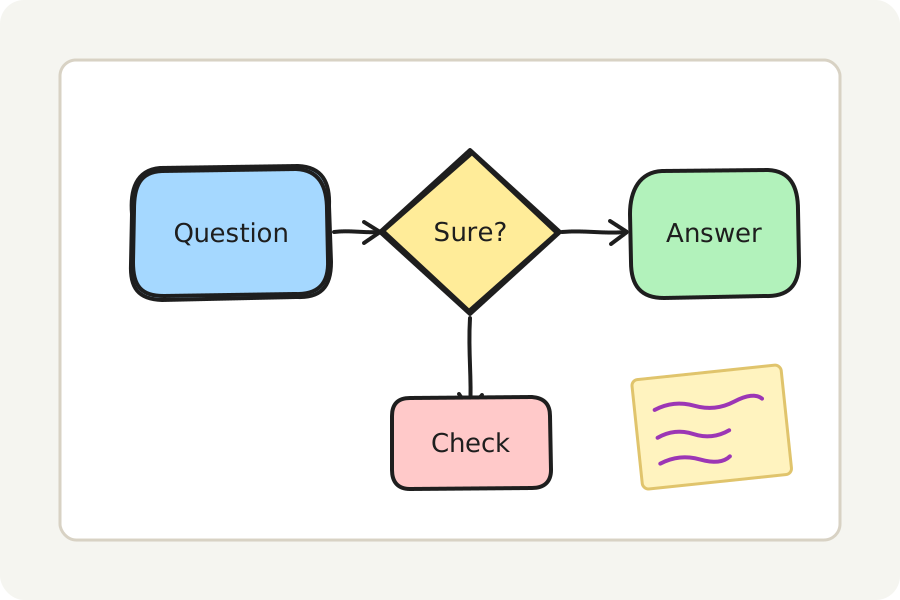
A concept map is more than boxes and lines: each arrow says how one idea leads to another, is made of it or is an example of it. The concept map maker opens a ready one for you to write over.
Start from a ready map.
Press Start a concept map: a concept, two ideas and an example appear, joined by arrows with linking words such as is made of and leads to. Double-click a box or an arrow to write your own.
Grow it as you learn.
Draw an arrow from one idea to another and it holds them both; write on it to say how they link. Choose an idea and press ⌘ or Ctrl and an arrow key to add the next one already joined. Colour ideas by kind from the panel on the left.
Save it, share it, present it.
Save the concept map as a PNG or an SVG to put in a document, or as a PDF to print; a PNG or SVG can carry the board inside it, to open and change again. Put a frame round it and Present shows it full screen. Share as a link carries the board locked in the link itself, after the #, which is never sent to any server; anyone who has the link can open it.
On your device, and nowhere else.
Everything is drawn and saved in your browser: nothing is uploaded and there is no account. Turn on Keep this board on this device to find it again when you come back, or save the board as a .excalidraw file to open again here or in Excalidraw.
Further reading
Topics: concept map maker · concept map · free concept map · concept map template · concept mapping for students · linking words · study diagram
A little less theory. A little more doing.
Try it on your own terms, with a free browser tool.
Try the tool