

A mind map from the outline you already have.
Type an outline, one idea a line with details indented, and get a mind map to move and restyle, in your browser. Free, nothing uploaded.
By Suraj KumarUpdated 3 min read
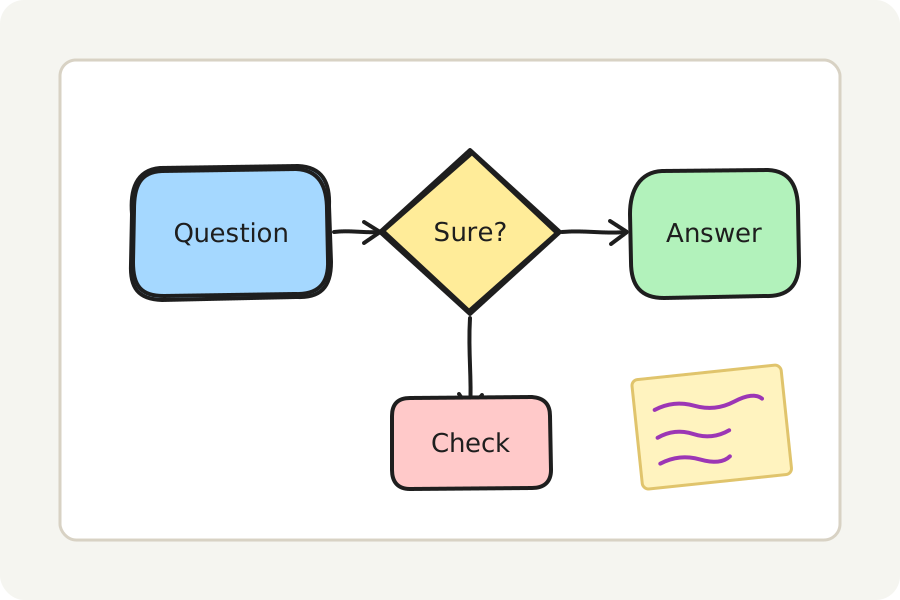
Notes often start as a list: a topic, its parts, the details under each. The mind map maker turns that list into a map, the topic in the middle and its parts around it, so you can see how the ideas fit together.
Write the outline.
Press Write the outline and type one idea a line. The first line is the middle of the map; indent a line (with spaces or a tab) to put it under the line above. Bullets, numbers and Markdown headings are read too, so notes pasted from elsewhere work as they are.
The map is shown as you type. A map holds up to 300 ideas, eight deep; anything past that is left out and the window says how much.
Change it like anything drawn.
Branches go out to both sides of the middle in turn, each in a colour of its own, every idea joined to the one it belongs to by a line that holds both. Move an idea and its lines follow; double-click to change its words; add ideas with the tools or by ⌘ or Ctrl and an arrow key.
Templates has a ready mind map too, for when you would rather start drawing.
Save it, share it, present it.
Save the mind map as a PNG or an SVG to put in a document, or as a PDF to print; a PNG or SVG can carry the board inside it, to open and change again. Put a frame round it and Present shows it full screen. Share as a link carries the board locked in the link itself, after the #, which is never sent to any server; anyone who has the link can open it.
On your device, and nowhere else.
Everything is drawn and saved in your browser: nothing is uploaded and there is no account. Turn on Keep this board on this device to find it again when you come back, or save the board as a .excalidraw file to open again here or in Excalidraw.
Further reading
Topics: mind map maker · outline to mind map · free mind map · mind map from text · brainstorm · study notes · mind mapping
A little less theory. A little more doing.
Try it on your own terms, with a free browser tool.
Try the tool