

A flowchart that stays joined while you change it.
Make a flowchart in your browser, nothing uploaded: start from a ready one, add steps from the keyboard, and keep arrows joined as boxes move.
By Suraj KumarUpdated 3 min read
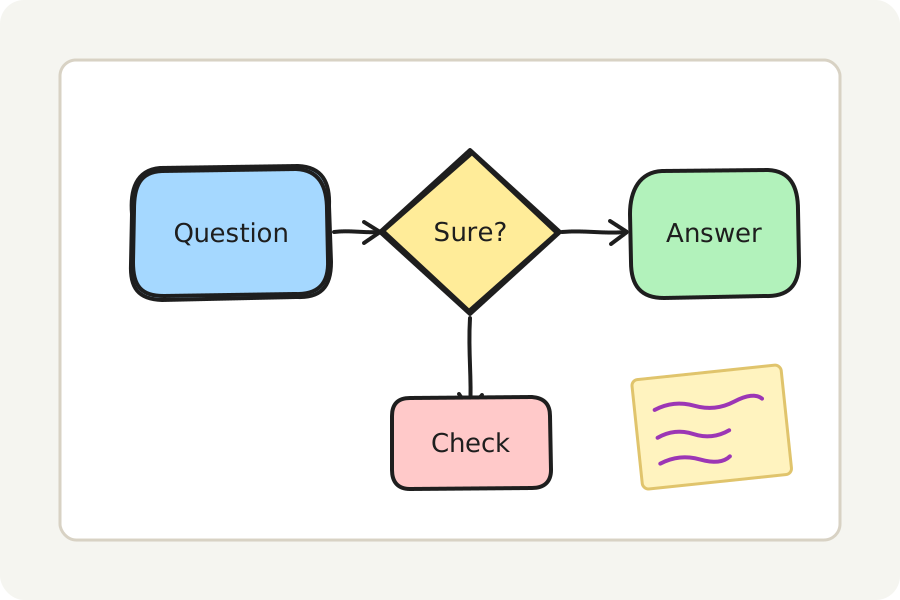
A flowchart shows how something runs: where it starts, what happens next, where a question sends it one way or another. The KeepSimp flowchart maker opens the whiteboard with a flowchart already drawn, ready for your own steps.
Start from a ready flowchart.
Press Start a flowchart: a start, a step, a question, a step to try again and an end appear, joined by arrows. Double-click a box to write in it, and an arrow to write on it, such as Yes and No after a question.
Shapes have their usual meanings: ellipses for the start and end, rectangles for steps, diamonds for questions. Change any of them from the panel on the left.
Add steps from the keyboard.
Choose a box and press ⌘ or Ctrl and an arrow key: a box like it appears that way, joined by an arrow. Press again for the next step, or the same way twice for a branch. Draw an arrow from one box to another and it holds them both, so moving a box takes its arrows with it.
Choose Elbow for arrows that go only across and down, round the boxes in their way; line boxes up and space them evenly from the panel.
Save it, share it, present it.
Save the flowchart as a PNG or an SVG to put in a document, or as a PDF to print; a PNG or SVG can carry the board inside it, to open and change again. Put a frame round it and Present shows it full screen. Share as a link carries the board locked in the link itself, after the #, which is never sent to any server; anyone who has the link can open it.
On your device, and nowhere else.
Everything is drawn and saved in your browser: nothing is uploaded and there is no account. Turn on Keep this board on this device to find it again when you come back, or save the board as a .excalidraw file to open again here or in Excalidraw.
Further reading
Topics: flowchart maker · free flowchart · make a flowchart · flowchart maker no sign up · process diagram · decision diagram · online flowchart
A little less theory. A little more doing.
Try it on your own terms, with a free browser tool.
Try the tool