

Copying text from a picture.
Paste a screenshot or drop a picture, fix anything Tesseract misread, and copy the words, all in your browser with nothing uploaded.
By Suraj Kumar2 min read
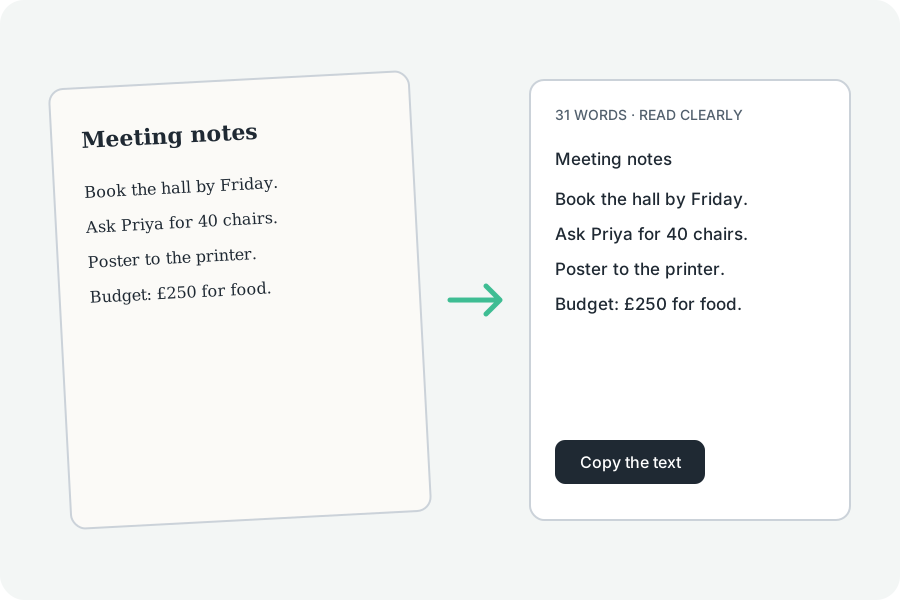
The quickest way: copy a screenshot, then paste it on the page.
Paste it.
Press Ctrl+V or ⌘V on the page with a screenshot copied; it is read straight away.
Fix it.
The text sits in a box you can change; Copy takes it as you left it.
Nothing kept.
The picture and its words stay on your device and are gone when you leave.
Further reading
Topics: copy text from image · copy text from picture · select text from image · image text copy · paste image to text
A little less theory. A little more doing.
Try it on your own terms, with a free browser tool.
Try the tool