

Reading the words in pictures, on your device.
How Image to text reads pictures, screenshots and photographed pages with Tesseract in your browser, in 31 languages, with nothing uploaded.
By Suraj Kumar2 min read
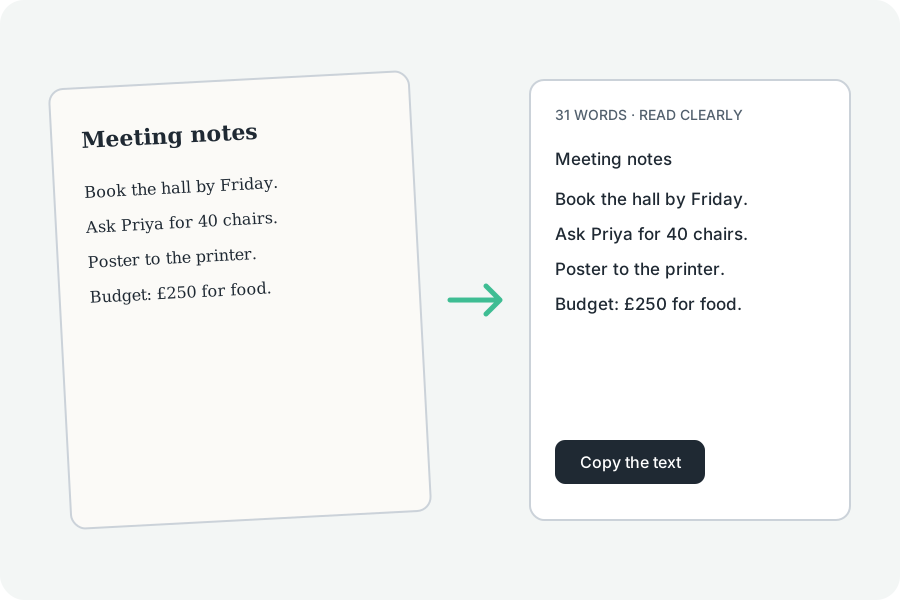
Most image-to-text sites upload your picture. This one reads it where it is.
Tesseract, in your browser.
Tesseract, the open-source OCR engine, runs in your browser from this site's own files; the language data is downloaded once from this site and kept for offline use.
Three kinds of picture.
Printed text is read as it is; a screenshot is enlarged first; a photographed page is found and straightened first.
How sure it was.
Each picture says how sure the reading was and lists the words Tesseract was least sure of. It reads print well and handwriting poorly.
Further reading
Topics: image to text · ocr · text recognition · picture to text · free ocr
A little less theory. A little more doing.
Try it on your own terms, with a free browser tool.
Try the tool