

Converting an image to text.
Drop, paste or photograph a picture and copy its words, read by Tesseract on your device in up to three languages at once. No upload, no limit.
By Suraj Kumar2 min read
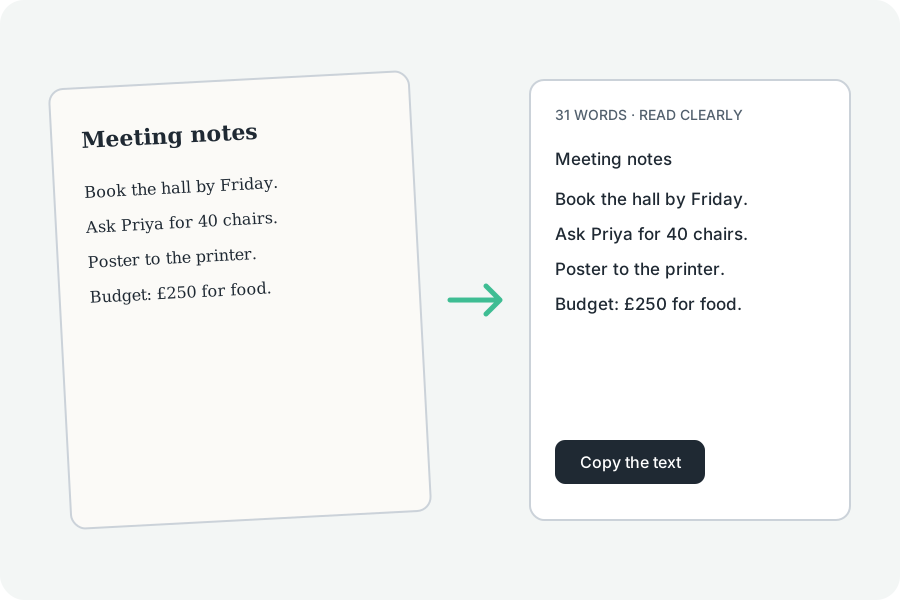
Four steps, and the picture never leaves your device.
The steps.
Say what is in the picture, choose the language, drop or paste the picture, and copy or download the words.
31 languages.
Up to three at once; English and your browser's language are offered first, and every other under More options with its size.
For a better reading.
A sharp picture, taken straight on and well lit, with letters at least 20 pixels tall, reads best.
Further reading
Topics: image to text converter · convert image to text · picture to text · ocr online · free ocr
A little less theory. A little more doing.
Try it on your own terms, with a free browser tool.
Try the tool