

Turning a screenshot into text.
Why screenshots are enlarged before Tesseract reads them, how to paste one straight in, and what reads best, all done on your device.
By Suraj Kumar2 min read
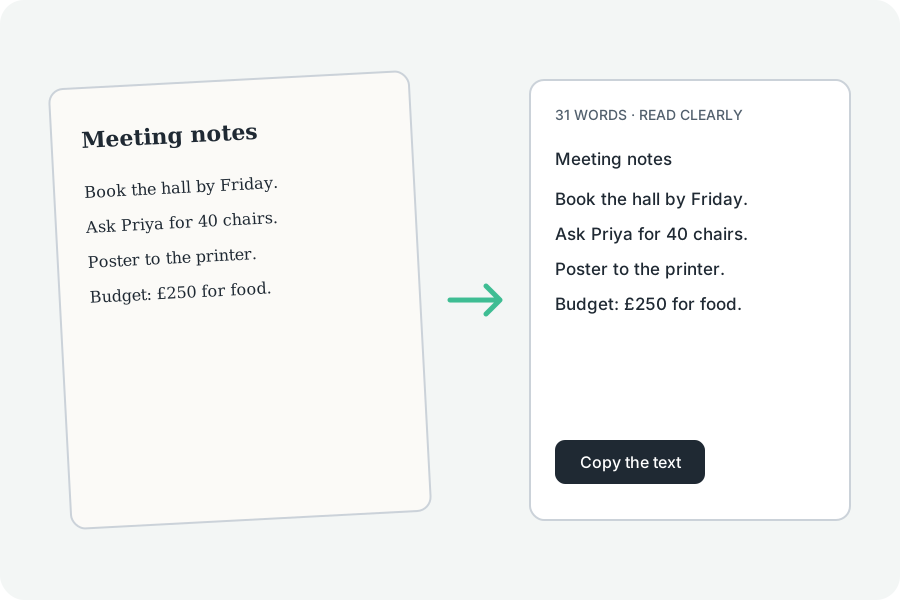
Screen letters are small; Tesseract reads larger ones better.
Enlarged first.
Tesseract reads letters about 30 pixels tall best, so a screenshot is enlarged up to three times before it is read.
Paste it in.
Copy a screenshot and press Ctrl+V or ⌘V on the page.
Dark mode.
Light words on a dark background are usually read too; dark on light reads best.
Further reading
Topics: screenshot to text · text from screenshot · screenshot ocr · screen text to text · copy text from screenshot
A little less theory. A little more doing.
Try it on your own terms, with a free browser tool.
Try the tool