

From terminal to browser code.
Turn a curl command into JavaScript fetch, Node.js or axios code in your browser, nothing uploaded, and see which options a web page cannot carry over.
By Suraj Kumar5 min read
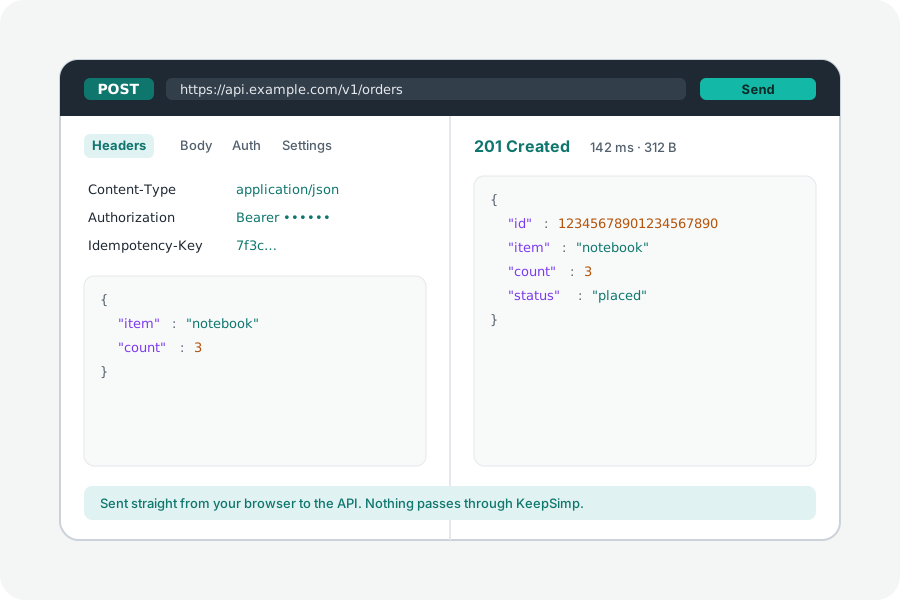
API documentation shows curl, and so does a browser's Copy as cURL. Your code wants fetch. The two say the same request in different words, with a few things a web page is not allowed to say at all.
Get the command.
Most curl commands come from documentation, or from a browser: in the developer tools' Network panel, right-click a request, choose Copy, then Copy as cURL. Chrome offers it written for bash and for Windows' cmd; the converter reads both, and commands with PowerShell's line ends too.
Convert it.
Open the cURL converter, paste the command and press Turn it into code, then choose JavaScript (fetch). The same request is there as Node.js (fetch), axios and fifteen more, from Python to Swift. The command is read in your browser; nothing is uploaded.
curl https://api.example.com/items \
  -H 'Authorization: Bearer TOKEN' \
  --json '{"name":"Ada"}'

const response = await fetch("https://api.example.com/items", {
  method: "POST",
  headers: {
    "Authorization": "Bearer TOKEN",
    "Content-Type": "application/json",
    "Accept": "application/json",
  },
  body: "{\"name\":\"Ada\"}",
})
console.log(response.status, await response.text())
How each option is carried.
-X sets the method; without it, a body makes the request a POST, as curl does. -H becomes a header. -d and --data-raw become the body, and when no Content-Type is given the code sends application/x-www-form-urlencoded, as curl would. --json adds Content-Type and Accept for JSON. -F becomes a FormData body, -u a Basic sign-in, and -G puts the data in the address instead.
What a web page cannot carry.
A browser decides some things itself. --insecure is left out, because a browser always checks the server's certificate; a proxy, client certificates and cookies read from a file are left out too, and a body read from a file with @ must be chosen in the page. Each is named in the notes, never dropped without a word.
The fetch code for a page also leaves out headers a page is not allowed to set, such as Cookie, and lets the browser write a multipart body's Content-Type with its boundary. The Node.js version puts those headers back, since a server can send them.
Run it, and mind CORS.
Pasted into a page on another site, the fetch call is subject to CORS: the browser lets the page read the answer only if the API allows that site. curl has no such rule, which is why a command that works in a terminal can fail in a page. The API client can send the request from your browser and, when it fails, says what the server would have to send. It cannot get around CORS, and nothing in a page can.
Further reading
Topics: curl to fetch · curl to javascript · convert curl to fetch · curl to axios · curl to node fetch · copy as curl · fetch api example
A little less theory. A little more doing.
Try it on your own terms, with a free browser tool.
Try the tool