

Rows into records.
Turn a CSV file into a JSON array of objects in your browser, nothing uploaded, with every cell kept as text so leading zeros and long IDs stay as written.
By Suraj Kumar4 min read
A spreadsheet export is a table; most code wants a list of records. Converting one into the other is simple, except for the one decision that matters: whether 0042 is a number.
One object for each row.
Paste or open the CSV in the JSON formatter, choose Turn it into CSV or YAML, then CSV → JSON. The first row gives the names; each row after it becomes one object with those names, and the objects come out as one JSON array.
id,name,joined
0042,"Ada, editor",2026-01-05
0043,Lin,

[
  {
    "id": "0042",
    "name": "Ada, editor",
    "joined": "2026-01-05"
  },
  {
    "id": "0043",
    "name": "Lin",
    "joined": ""
  }
]
Every cell stays text.
CSV has no types: 0042, 2026-01-05 and true are all just characters. Rather than guess, the converter keeps every cell as a JSON string, so 0042 stays 0042, a long ID keeps every digit, and a date is not turned into another format. Where a program needs numbers or booleans, convert those fields in code, where you know what they mean.
What the file must look like.
Values are separated by commas. A value with a comma, a quote or a line break in it is written in double quotes, with quotes inside it doubled, as RFC 4180 describes. The first row must name every column, each name once, and every row must have as many cells as the first; empty lines are skipped. Up to 200 columns are read, and the JSON made must stay within the document limit of 100,000 values.
A file separated by semicolons or tabs, as some spreadsheet settings save, is read as a single column. Save it again as comma-separated CSV first. From Excel or Google Sheets, save or download the sheet as CSV: the converter reads CSV, not .xlsx files.
Then JSON Lines, YAML or a schema.
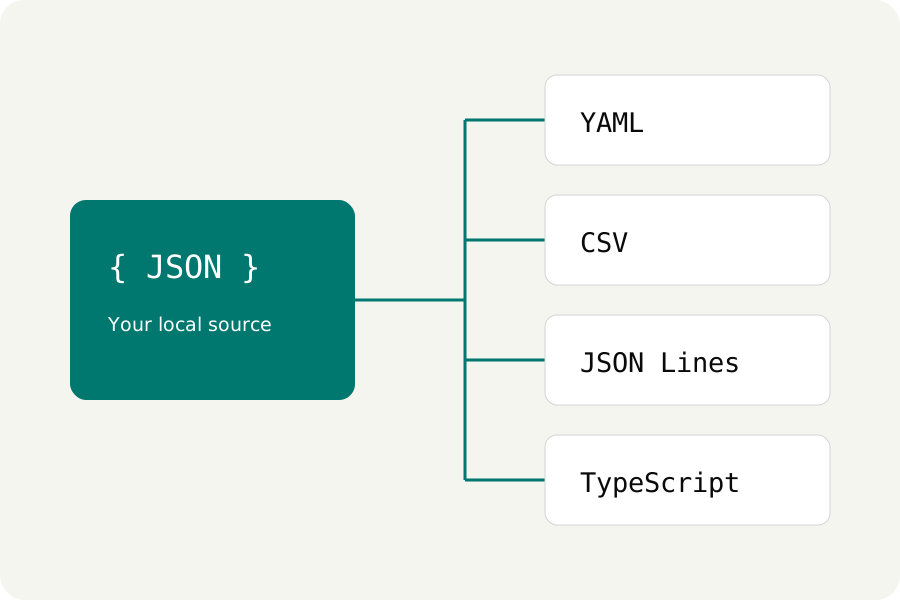
Choose Use result as source to make the JSON the document, then convert again: JSON → JSON Lines writes one record a line, JSON → YAML a YAML list, and JSON → TypeScript or JSON Schema a starting description of the rows. Explore shows it as a table you can search.
The conversion runs in a worker in your browser. The file is not uploaded or kept, and refreshing the page clears it.
Further reading
Topics: csv to json · convert csv to json · csv to json online · csv to json array · csv to json lines · excel to json · csv to json without upload
A little less theory. A little more doing.
Try it on your own terms, with a free browser tool.
Try the tool