

Types from one sample, and what a sample cannot say.
Make TypeScript types from a JSON sample in your browser, with nothing uploaded, then check what one sample cannot know: optional keys, nulls and big numbers.
By Suraj Kumar5 min read
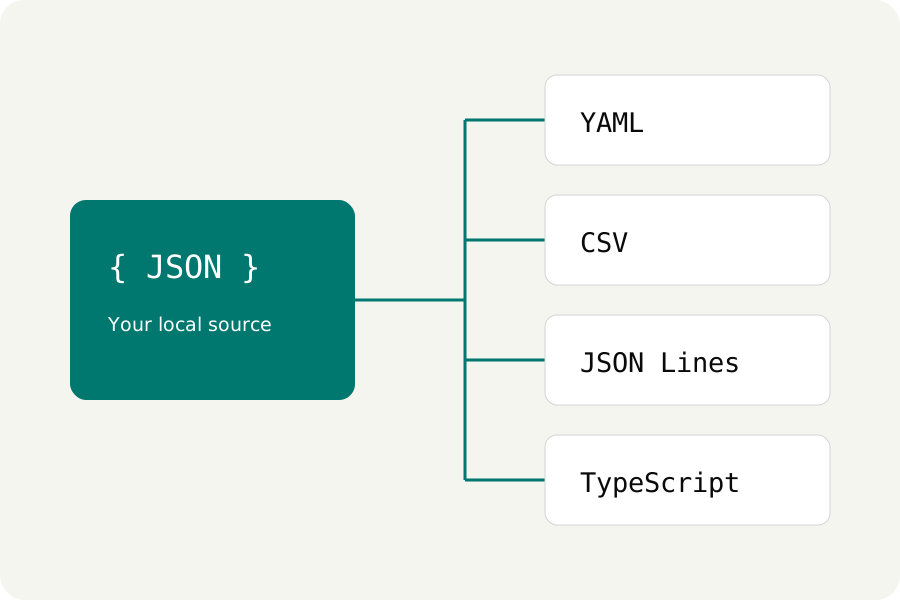
An API answers with a page of JSON and you would like your editor to know its shape. Writing the type by hand is slow and easy to get wrong; working it out from a real answer is quick. KeepSimp's JSON to TypeScript page does that in your browser, from the sample you paste, and nothing is uploaded. What it cannot do is see the answers you did not paste, so this guide also says what to check afterwards.
Paste a real answer and convert it.
Open JSON to TypeScript, paste a response or open a .json file, and press Convert document. Use example puts in a small user record if you want to see it work first. The type is called Root unless you change Type name; the name must be a valid TypeScript name and not a word the language keeps for itself, such as type or string.
The result appears beside your JSON and your source is left as it was. Copy result puts it on the clipboard, and the download button saves it as a .ts file. The conversion runs in a worker inside the page, so the JSON never leaves your device.
export type User = {
  "id": number;
  "name": string;
  "active": boolean;
  "manager": null;
  "roles": Array<string>;
  "address": {
    "city": string;
    "postcode": string;
  };
};
What each kind of value becomes.
A string becomes string, a number number, true or false boolean, and null the type null. An object becomes an object type with every key in quotes, written in place rather than as a separate named interface, so nested objects sit inside their parent. The whole thing is one exported type.
An array becomes Array<…> of the different things it holds: a list of names is Array<string>, a mixed list Array<string | number>. Objects of different shapes in one array become a union of each shape, not one merged type. An empty array becomes Array<unknown> and an empty object Record<string, never>, because the sample says nothing about what they hold.
export type Root = {
  "items": Array<{
    "id": number;
    "tag": string;
  } | {
    "id": number;
  }>;
  "empty": Array<unknown>;
  "meta": Record<string, never>;
};
Check what one sample cannot know.
Every key in the sample is written as required. If a key can be missing, add a question mark after its name, as TypeScript's handbook describes for optional properties. Where an array mixes objects with and without a key, you may prefer one shape with that key optional to the union the converter writes.
A key that is null in your sample is typed as null alone; in other answers it may hold a string or an object, so widen it, for example to string | null. Strings that are really dates, IDs or one of a few fixed words stay string: the converter does not guess formats or enums. Pasting a sample that shows the variety, such as an array of several records, gives a closer type.
Large numbers need a second look.
TypeScript's number is a JavaScript number, which holds whole numbers exactly only up to 9,007,199,254,740,991. An ID such as 9007199254740993 is kept digit for digit in KeepSimp's editor, but once JSON.parse reads it in your program it becomes a different number. The type will still say number, because that is what the sample holds.
If an API sends identifiers that large, ask for them as strings, or read them with a parser that keeps them as bigint or text, and change the type to match. The converter's note under the result says this too.
When you need a check at run time, make a schema.
A type helps your editor and compiler; it does not check what actually arrives. Choose JSON → JSON Schema under Conversion and the same sample becomes a 2020-12 JSON Schema. It marks every key it saw as required and allows no others, so loosen it as you would the type.
The JSON Schema validator page checks a document against that schema in your browser and lists each problem with its place. It never fetches a reference from the network, so everything it needs must be inside the schema.
Further reading
Topics: json to typescript · json to ts · generate typescript types from json · typescript type from json · json to interface · json to json schema · infer types from json
A little less theory. A little more doing.
Try it on your own terms, with a free browser tool.
Try the tool