

A little know-how
Ask your agent, and the work stays on your computer.
Give Claude Code, Codex or an agent in your browser KeepSimp's tools: they run in a hidden browser on your computer, read your files where they are and save results beside them.
By KeepSimp 3 min read
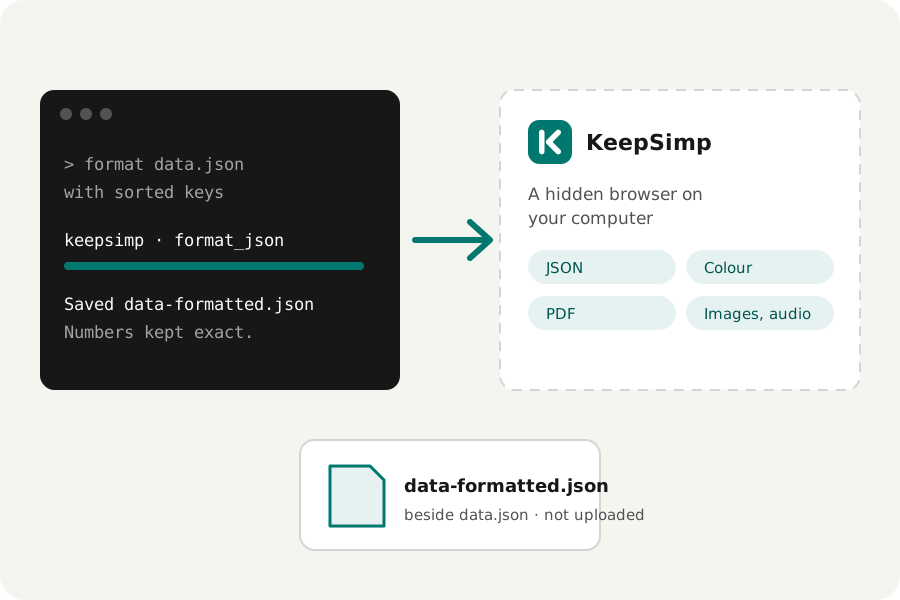
An agent that writes code can also format a file, check a colour, or merge, split and compress PDFs, or clean up a recording. KeepSimp's tools can be handed to it, and they still run on your device.
Connect it once.
The KeepSimp bridge is a small program for agents that speak the Model Context Protocol. In Claude Code, add it with: claude mcp add keepsimp -- npx -y keepsimp-mcp. Codex takes the same command in its config file. Then ask in plain words, such as: format data.json with sorted keys, or check the contrast of #777 on white.
What happens.
The bridge opens the KeepSimp agent page in a browser of its own, hidden, on your computer. It hands the page the files your agent names, the tool runs there with the same engines as the tools' own pages, and what it made is saved next to your file. An existing file is never overwritten.
It reads and writes only inside the folders your agent works in, and its browser opens the KeepSimp site and refuses every other address. Your files are never uploaded.
Or in your browser.
WebMCP is a proposed standard that lets a page give its tools to an agent in the browser. Chrome is trying it out; where it is on, the agent page gives the same tools to that agent, working on the files you add to the page.
The tools.
JSON: format, repair, look through, lay out as a table, query, validate against a schema, compare, patch and convert, with every number kept exactly. Colour: convert between spaces, check contrast with ΔE2000 and colour-vision previews, make palettes, mix, write gradients, give companies' published colours, find the colours of an image and read one pixel. PDF: read a file's facts and text, merge, split every way the splitter does, compress, organise pages, crop, add page numbers, headers and watermarks, change details and bookmarks, draw and comment, change the words, pictures and links a page already has, make and fill forms, redact, find and replace, add text and pictures, recognise scans and check signatures, each result checked. Images: read, compress, resize and convert with every setting of their pages, and turn animations and short videos into GIF, WebP, APNG, MP4 or WebM. Audio: read loudness, convert, trim, fade and trim silence, equalise, make ringtones, normalise, change speed, take out noise, edit tags, split, join, transcribe with Whisper and make a video of a sound. Signing and recording stay for you to do yourself.
Further reading
Topics: mcp server · claude code tools · codex mcp · webmcp · local ai agent tools · format json with ai agent · convert audio with ai agent
A little less theory. A little more doing.
Try it on your own terms, with a free browser tool.
Open the tools