

Directions, in a square.
Make a QR code that opens your address or a pin on Google Maps or Apple Maps, ready for directions on any phone, in your browser.
By Suraj KumarUpdated 3 min read
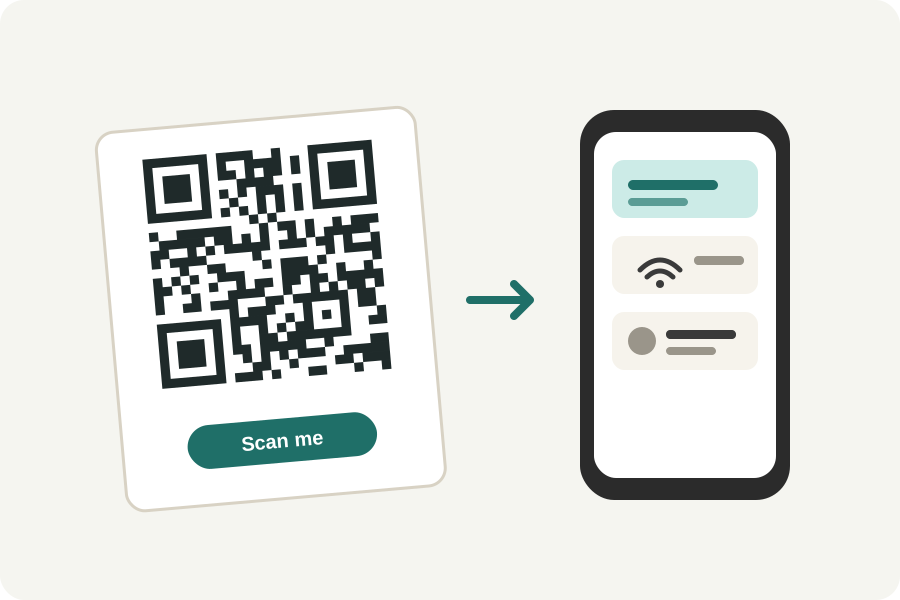
On an invitation, a flyer or a delivery note, a location QR code opens the place on a map, so nobody has to type the address. The KeepSimp location QR code generator makes one from an address or a latitude and longitude.
An address, or a pin.
Type the address or the name of the place, or give its latitude and longitude for a spot an address cannot name, such as a gate or a field. To find a spot's numbers, long-press it in Google Maps or Apple Maps and copy them.
Choose where it opens. A Google Maps link opens on every phone, in the Maps app where it is installed and in the browser where it is not. An Apple Maps link opens Maps on an iPhone. A geo: code opens Android's own map app, but iPhones do not open it, so the generator says so.
On paper, and on a screen.
A place's code is often read from an invitation held in a hand, so 2 to 3 cm across is plenty. On a door or a sign read from a few steps away, make it larger: a code scans from about ten times its width. Press Design it for your colours and a frame with words such as Find us.
With the time too.
For an event, choose Event instead: its code adds the event to the phone's calendar with its place written in, and the phone's calendar offers directions from there.
Further reading
Topics: location qr code · google maps qr code · qr code for address · map qr code · directions qr code · apple maps qr code
A little less theory. A little more doing.
Try it on your own terms, with a free browser tool.
Try the tool