

Guests on your Wi-Fi, without the password.
Make a QR code that joins your Wi-Fi when a guest points a phone camera at it, on iPhone and Android, in your browser and checked before printing.
By Suraj KumarUpdated 4 min read
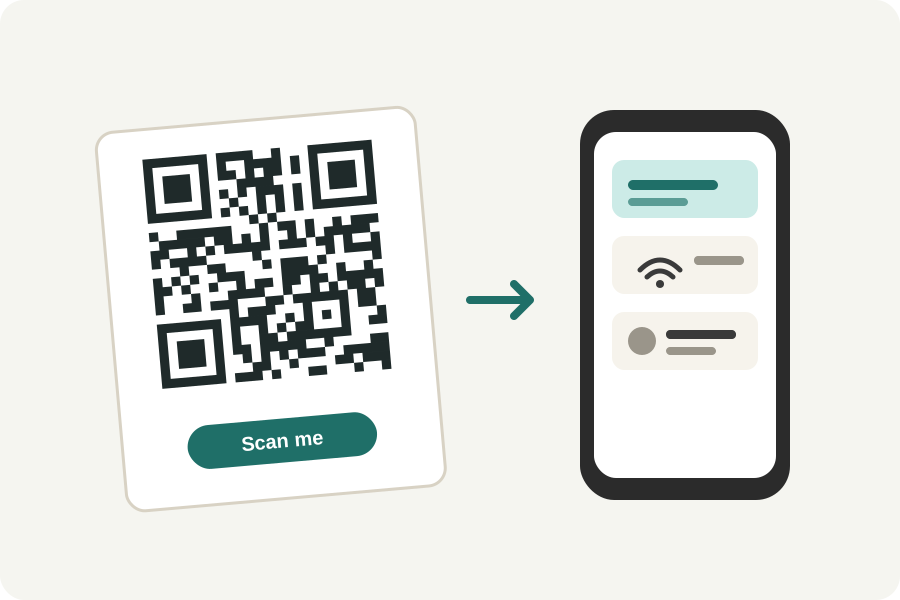
Reading out a long Wi-Fi password to every guest gets old. A Wi-Fi QR code holds the network's name and password, and a phone that scans it offers to join. The KeepSimp Wi-Fi QR code generator makes one in your browser, where your password stays.
Three fields, one code.
Type the network's name exactly as your phone shows it, capital letters and spaces included. Choose its security: WPA, WPA2 or WPA3 for almost every home and office router; WEP only on very old ones; or no password for an open network.
Type the password, and switch on The network is hidden if your router does not show its name. The code is drawn as you type and read back to check it scans; then download it and print it.
On iPhone and Android.
iPhones have joined networks from the camera since iOS 11, and Android phones from their camera or the Wi-Fi settings' own scanner. The code is written as both read it: WIFI:, then the security, the name and the password, with the characters that would confuse a reader (\ ; , " and :) marked so they are read as part of the name or password.
If your router allows WPA3 only, the generator can say so in the code, but some older phones do not know that kind of code. A router that allows both WPA2 and WPA3 is joined by the plain WPA code on every phone.
Who can read it.
The password is in the code as plain text. Anyone who scans it, or has a photo of it, can read it, so put it where only your guests are, and make a guest network for it if your router has one.
The password never leaves your device while you make the code: the generator runs in your browser and works offline.
Further reading
- ZXing: Barcode Contents, Wi-Fi network config (opens in a new tab)
- IANA: the 'wifi' URI scheme (Wi-Fi Alliance, WPA3 specification) (opens in a new tab)
- ISO/IEC 18004:2024, QR Code bar code symbology specification (opens in a new tab)
- DENSO WAVE: Error correction feature of QR codes (opens in a new tab)
Topics: wifi qr code · wi-fi qr code generator · share wifi password · qr code for wifi · guest wifi qr code · wpa3 qr code
A little less theory. A little more doing.
Try it on your own terms, with a free browser tool.
Try the tool