

Five colours from one.
Make a colour palette from one colour by harmony, tones or a shuffle with locks, in your browser, then save it as CSS, Tailwind or PNG. Nothing uploaded.
By Suraj Kumar4 min read
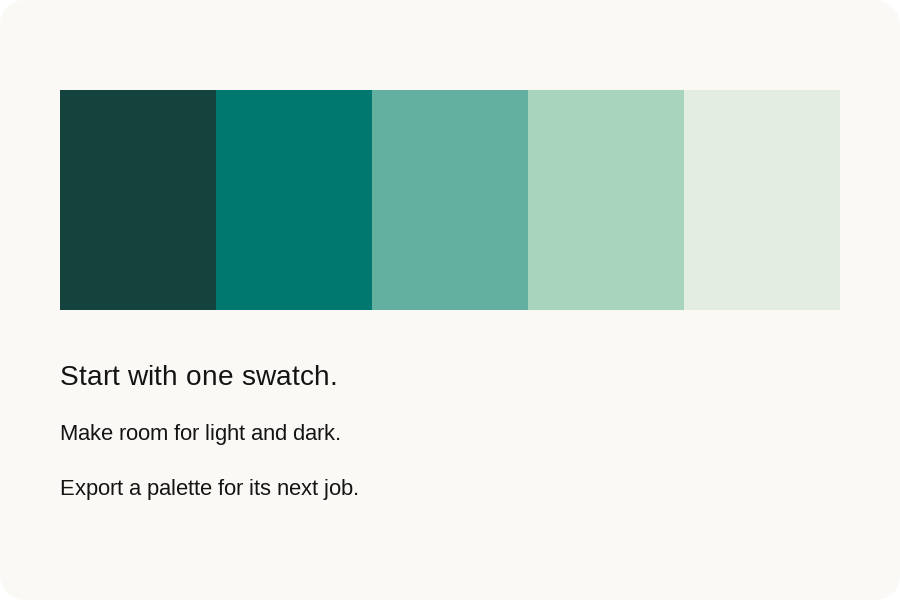
Most palettes start from one colour you already like: a logo, a photo, a paint chip. The Colour palette generator grows the rest from it, by the colour wheel, by light and dark, or at random, and keeps the ones you lock.
Start from one colour.
The page starts from a warm orange, #e76f51, and a palette of five made from it: a light tone, its three analogous colours and a dark tone. Change the colour on the right, by its code, the picker or, where the browser offers it, a pick from the screen, and every harmony and tone follows it.
Hues are turned in OKLCH, a colour space made so that equal steps look roughly equal, so the colours of a harmony keep the lightness and strength of the one you started from. Swatches and exports use its sRGB fallback.
Six ways round the wheel.
Analogous takes the colours 30° either side, which sit quietly together. Complementary takes the one opposite, at 180°, for the strongest contrast of hue; split complement the two beside it, at 150° and 210°. Triadic turns by 120°, tetradic by 90°, and monochrome keeps the hue and steps the lightness.
Press Use harmony as palette to make it the palette, or Use tonal scale as palette for eleven steps from nearly white to nearly black. A harmony is a starting point, not a promise that its colours read well together as text.
Lock what you like, shuffle the rest.
Lock the colours you want to keep and press Shuffle, or Space when no button or field has the focus. Each unlocked place gets a new colour chosen from your browser's randomness, its hue turned from the locked colours' own and its lightness running from light to dark across the palette.
A palette holds up to twelve colours. Edit one, move it along, remove it, and undo the last twenty changes.
Check the pairs you will put together.
Before a colour carries text, check it against its background in Contrast, which says in words whether it is easy to read and gives WCAG's AA and AAA results for normal and large text.
To take colours from a photo instead, or to make a gradient from the palette, the same studio does both.
Take it with you.
Save the palette as CSS or SCSS variables, JSON, Design Tokens, a Tailwind config, a GIMP palette, an SVG or a PNG strip. Opacity travels in all but the GIMP palette, whose colours are opaque.
Everything is made in your browser: nothing is uploaded, and the palette clears when you refresh the page.
Further reading
Topics: color palette generator · colour palette generator · color scheme generator · analogous colors · complementary colors · palette from one color · tailwind palette
A little less theory. A little more doing.
Try it on your own terms, with a free browser tool.
Try the tool