

A little know-how
A video Pin, clear of the buttons.
Make a video Pin in your browser at 1080 × 1920, with Pinterest's own safe zones shaded while you work: clips, photos, text, music and templates, exported as MP4. No uploads.
By KeepSimp 4 min read
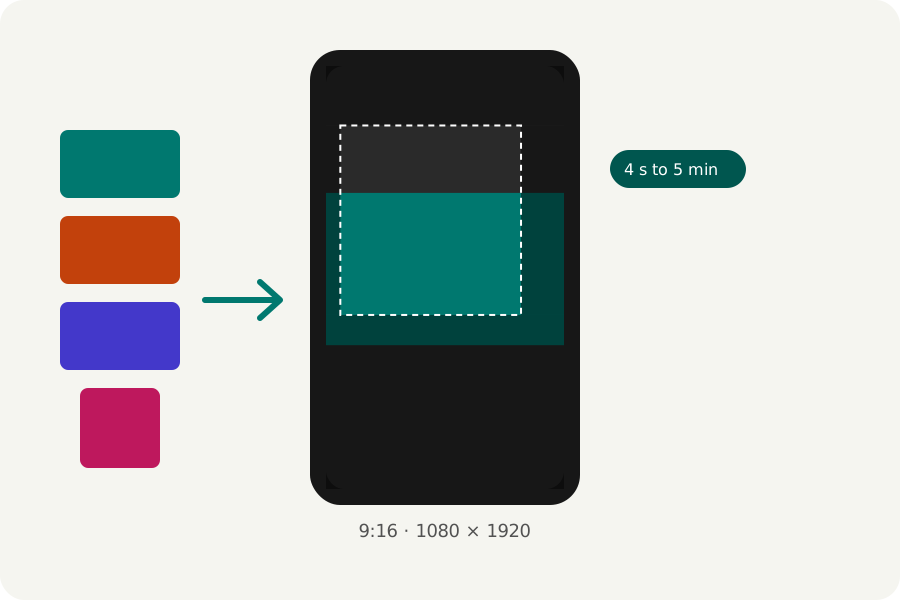
A video Pin plays as people scroll, and Pinterest lays its own buttons over it. You can make one in your browser from your clips and photos, with Pinterest's own safe zones on the screen, and post the file.
9:16, from 4 seconds to 5 minutes.
Pinterest's Pin specs recommend 9:16 at 1080 × 1920 for a video Pin and give 4 seconds to 5 minutes for its length (its page for businesses allows up to 15 minutes and 2 GB). The Pinterest video maker makes it at 1080 × 1920 and warns when it runs past 5 minutes.
Pinterest's own safe zones.
Pinterest asks for 270 pixels at the top, 65 on the left, 195 on the right and 790 at the bottom of a 1080 × 1920 video Pin to be kept free of words and logos. Press Safe zones in the editor and those parts are shaded on your reel while you work, only on the page.
Export it, checked.
Press Export at the top right. MP4 at 1080p, 30 frames a second and Balanced quality are chosen for you, and Pinterest takes them. A video Pin starts without sound, so put the words that matter on the picture.
The reel is written in your browser, then opened again and checked (its size, its length, that its picture and sound play and end together) before you download it. Choose a moment for the cover and you get that frame as a PNG beside it. Nothing is uploaded at any point.
Further reading
Topics: pinterest video maker · pinterest video pin · pinterest video size · pinterest video length · pinterest safe zone
A little less theory. A little more doing.
Try it on your own terms, with a free browser tool.
Try the tool