

A little know-how
Your song, when the phone rings.
Make an iPhone ringtone (M4R, up to 40 seconds) or an Android ringtone (MP3) from any song in your browser, faded at the end, and put it on your phone. Nothing is uploaded.
By KeepSimp 3 min read
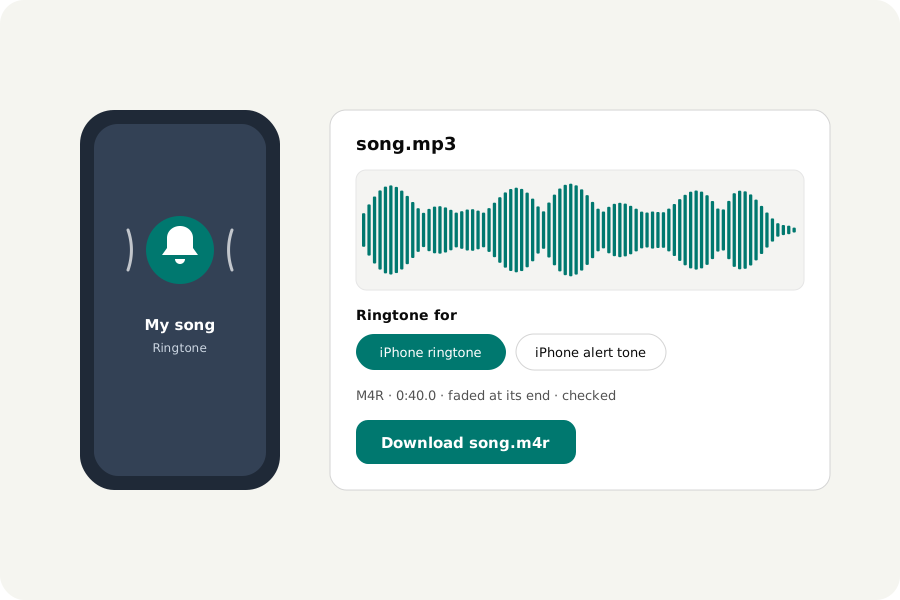
A ringtone is a short piece of a song in the format a phone wants. An iPhone wants an M4R file of at most 40 seconds, or 30 for an alert tone; an Android phone takes an MP3. Here is how to make one from a song you have, on your own device.
How to make one.
Open the Ringtone maker and drop a song. Choose the part you like by dragging across the waveform, or put the playhead where it should start. Choose iPhone ringtone, iPhone alert tone or Android ringtone and press Make the ringtone: the part is kept, cut to the longest the phone takes, faded in briefly at its start and out over two seconds at its end, and written as M4R or MP3.
Listen to it, move the part or undo and try again, then download it.
Putting it on an iPhone.
With a Mac, connect the iPhone, open it in Finder and drag the M4R file onto its window. With Windows, use iTunes or the Apple Devices app and drag the file onto the iPhone under Tones. The ringtone then appears in Settings, under Sounds & Haptics. An M4R is AAC sound in the MP4 format, with its own name so that the iPhone offers it as a tone.
Putting it on an Android phone.
Copy the MP3 to the phone, into its Ringtones folder, or open Settings, Sound, Ringtone and add it from there. The menus differ a little from one maker to another.
On your device.
The song is read and the ringtone written in your browser; nothing is uploaded and there is no account. Use songs you have the right to use.
Further reading
Topics: ringtone maker · make iPhone ringtone · MP3 to M4R · custom ringtone · Android ringtone · iPhone alert tone · M4R converter
A little less theory. A little more doing.
Try it on your own terms, with a free browser tool.
Try the tool