

A little know-how
Two minutes and twenty seconds, well spent.
Make a video for X in your browser at 1920 × 1080, with a warning when it runs past the 2 minutes 20 seconds and 512 MB X takes without Premium. Exported as MP4 at a frame rate X takes. No uploads.
By KeepSimp 4 min read
A video on X plays in the timeline, most often widescreen. You can make one in your browser from your clips and photos, with words and music, and post the file; the Reel maker tells you when it would be too long for X.
2:20 and 512 MB.
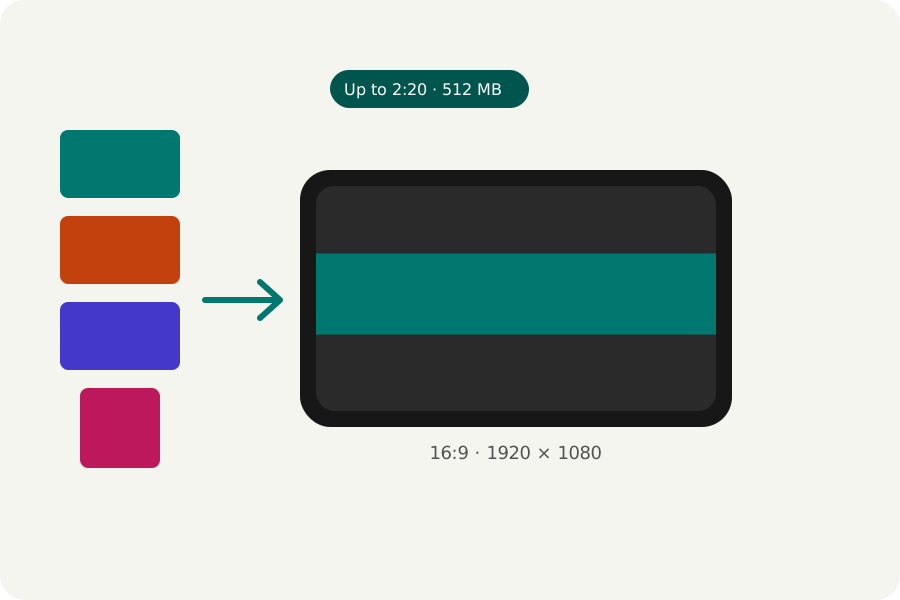
X's help says you can upload videos of up to 140 seconds and 512 MB, and longer ones with Premium. It takes shapes from 1:2.39 to 2.39:1, and at most 40 frames a second from a computer. The video maker for X makes it at 1920 × 1080 and warns in the export window when it runs past 2 minutes 20 seconds or would be larger than 512 MB.
Export at 24, 25 or 30 frames a second: 50 and 60 are more than X takes.
Clips, photos and a title.
Add your clips and photos in order, trim and arrange them, and put a title over the start. Captions heard from your speech help in a timeline where videos start without sound.
Export it, checked.
Press Export at the top right. MP4 at 1080p, 30 frames a second and Balanced quality are chosen for you, and X takes them. If it comes out too large, choose A size in the export window and give 500 MB or less: it is written again, smaller, until it fits.
The reel is written in your browser, then opened again and checked (its size, its length, that its picture and sound play and end together) before you download it. Choose a moment for the cover and you get that frame as a PNG beside it. Nothing is uploaded at any point.
Further reading
Topics: video for x · twitter video maker · x video length · twitter video length · x video size · video for twitter
A little less theory. A little more doing.
Try it on your own terms, with a free browser tool.
Try the tool