

A Photoshop file, opened without Photoshop.
Open a PSD or PSB in your browser with nothing uploaded: see the picture Photoshop saved, crop or touch it up, and save it as PNG, told what is lost.
By Suraj Kumar4 min read
A PSD is the file Photoshop keeps its work in, layers and all, and the file a designer often sends when a PNG was wanted. KeepSimp opens it in your browser, shows its picture and saves it as a PNG, and the file stays on your device.
Drop the PSD.
Open the PSD page and drop the .psd, or a .psb (Photoshop's kind for large documents). It is read on your device by ag-psd, an open-source reader, in the Photo editor's own worker, and opens like any photo.
What you see is the picture Photoshop saved beside the layers when Maximize compatibility was on, as it is: text, effects and adjustment layers look exactly as they did in Photoshop.
One picture, said plainly.
The layers become one picture: text can no longer be edited as words, smart objects stay only as they look, and adjustment layers become part of the picture. KeepSimp does not write PSD files, so the result is a PNG, which keeps see-through parts.
A file of 16 or 32 bits a channel is kept at 8; CMYK colours are turned into RGB simply, without a colour profile, and the page says so when either is the case.
When there is no saved picture.
A PSD saved without Maximize compatibility has no picture of its own, so it is drawn here from its visible layers, with their opacity, masks and clipping, and with the blend modes the W3C's compositing standard sets out, plus linear burn, linear dodge, subtract and divide.
Adjustment layers, layer effects, vector masks and a few blend modes (vivid light, pin light, hard mix and the like) are not drawn this way, and each one left out is named, so you know where the picture differs from Photoshop's.
Touch it up before you save it.
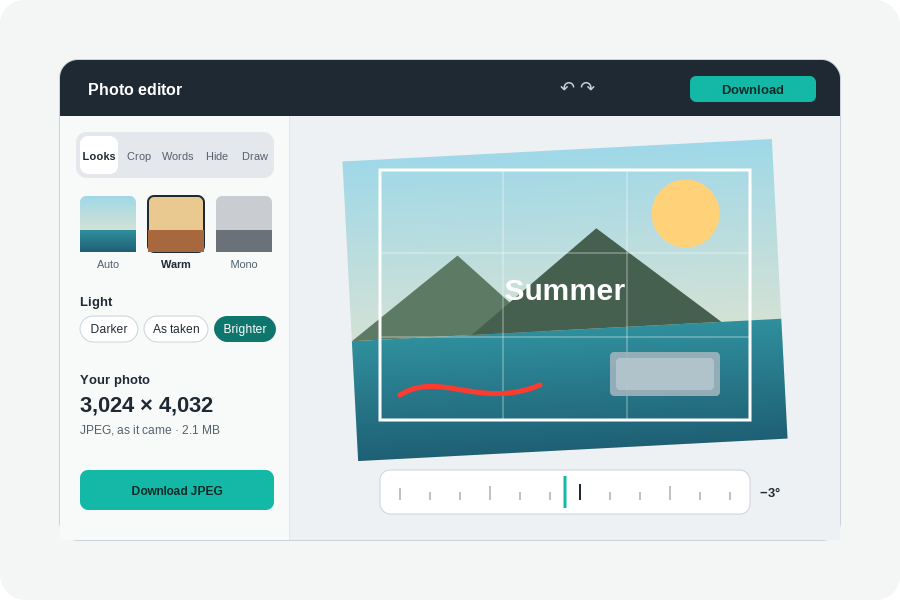
The picture opens in the Photo editor, so it can be cropped, turned, given a look, written on or have a part hidden before it is downloaded. Every change is a step that Undo takes back.
Nothing is uploaded and nothing is kept: the file is read, changed and saved in your browser, and the PNG carries no details of where it was made.
Further reading
Topics: open psd file · psd viewer · open psd without photoshop · psd to png · psd viewer online free · open psb file
A little less theory. A little more doing.
Try it on your own terms, with a free browser tool.
Try the tool