

A passport-size photo on white, made from one you have.
Put a photo on a plain white background, crop it to 2 × 2 in or 35 × 45 mm, and bring it under a form's KB limit, in your browser with nothing uploaded.
By Suraj Kumar5 min read
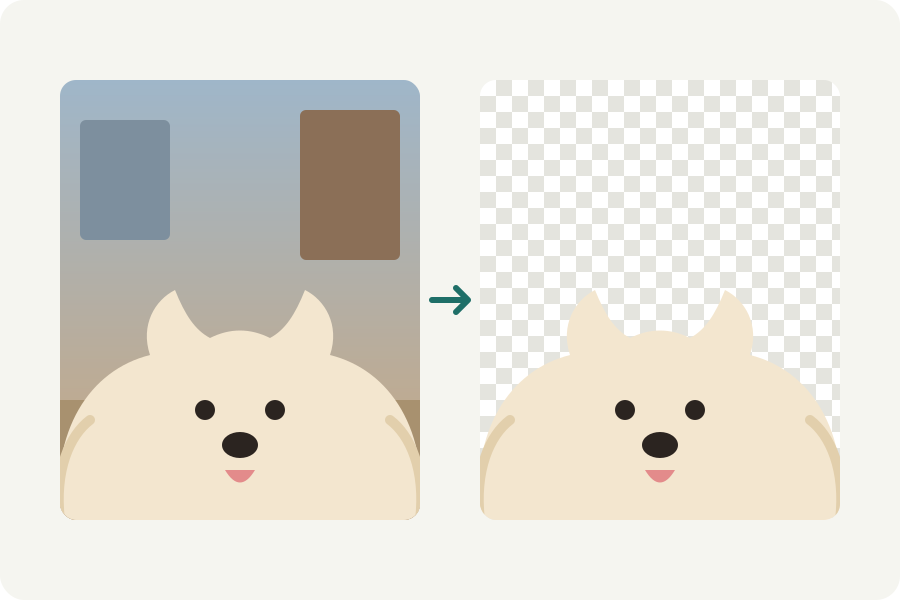
An online form wants a passport-size photo on a white background, under a certain size in KB, and the only photo you have was taken in a kitchen. Three KeepSimp tools do this one after another, in your browser, and the photo never leaves your device. First, a word on whether an edited photo is allowed at all.
Check whether an edited photo is accepted.
Rules differ by country and by form, and KeepSimp does not check any of them. Some offices refuse photos that have been changed on a computer: the US State Department, for example, asks for a photo that is not digitally altered, on a plain white or off-white background. For a passport like that, stand in front of a white wall instead.
Many online application forms, for exams, jobs and visas, only ask for a recent photo on a light background at a set size. For those, replacing the background is usually what people do. Read your form's own instructions first.
1. Put the photo on white.
Open the Background remover, drop the photo, and answer “What goes behind it?” with white. The person is found by a model that runs on your device, and the background is replaced with plain white.
Look closely at the hair and shoulders: the model can miss a strand or take a little of the background along. The touch-up tools let you click or paint to put back or take away what it got wrong. Save it as a JPG.
2. Make it passport size.
Open Passport size photo and drop the white-background photo. Choose 2 × 2 in or 35 × 45 mm (3.5 × 4.5 cm), move the frame so the head sits as your form asks, and save. The photo is made at 300 pixels to the inch, the usual resolution for printing.
If the form gives a size in pixels instead, such as 200 × 230, use the photo and signature resizer, which asks for an exact width and height.
3. Bring it under the form's KB limit.
Forms often ask for a photo between, say, 20 KB and 50 KB. Open Compress image to KB, set the limit, and the photo is made just small enough, with a sentence saying how close it looks to the one you dropped.
A compressor can only make a file smaller. If a form asks for at least 20 KB and the photo is already under it, start again from a larger photo rather than trying to make it bigger.
Further reading
Topics: passport size photo with white background · white background passport photo · change photo background to white · passport photo maker online · photo for online application form
A little less theory. A little more doing.
Try it on your own terms, with a free browser tool.
Try the tool