

Learn Python by running it.
Learn Python by changing small programs and running them in your browser, with plain hints for the errors beginners meet most. Free, nothing to install.
By Suraj Kumar4 min read
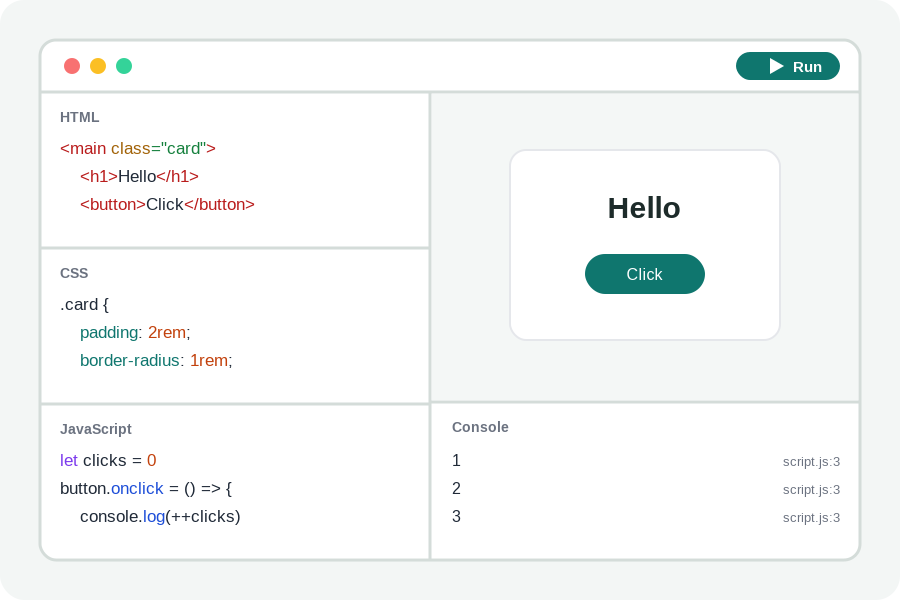
The quickest way to learn a programming language is to change a working program and see what happens. The KeepSimp code playground runs Python in your browser, so you can do that from the first minute, with nothing to install and no account.
Start with a game.
Open Python for beginners and press Start with a guessing game. The program picks a number, and each input() reads your next guess from the Input box under the editor. Change the guesses and press Run; then change the program: more tries, a wider range, a message of your own.
Errors are part of it.
When something goes wrong, Python says what and where. The console links to the line, and for the mistakes beginners make most, a plain hint says what usually causes them: lines of a block that do not start at the same place, a missing colon at the end of if or for, or input() with nothing left to read.
Where to go next.
All starters, in the menu, has more to change: a program with lists and a function, and one that makes a table with pandas and a chart with matplotlib. Python's own tutorial, linked below, explains each part of the language in order.
Your code stays on your device.
Everything is compiled and run in your browser. Nothing you write is uploaded and there is no account. Files from other sites that your page asks for (a package, a font, a stylesheet) are fetched by the page from those sites, as any page would.
Further reading
Topics: python for beginners · learn python online · python playground · python practice · first python program
A little less theory. A little more doing.
Try it on your own terms, with a free browser tool.
Try the tool