

Compile and run C in your browser, nothing to install.
Compile and run C in your browser with clang, nothing uploaded: printf, scanf reading an Input box, errors at their line and crashes said in plain words.
By Suraj Kumar4 min read
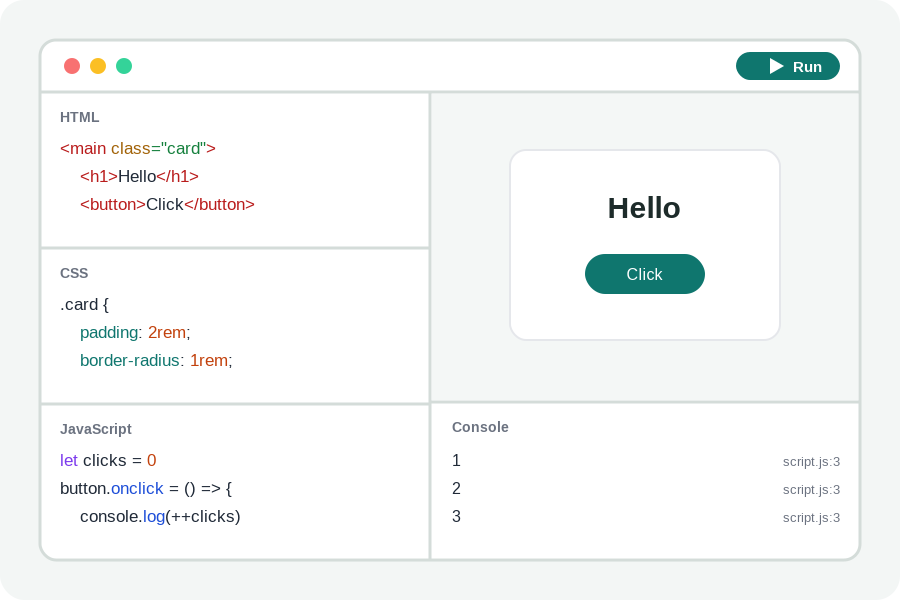
Trying a C program usually means installing a compiler first. The KeepSimp code playground has clang inside your browser instead: it compiles your program to WebAssembly on your device and runs it there, so nothing is sent anywhere and there is no account.
Write, press Run, read what it prints.
Open the C compiler online and press Start with C. Write your program in the editor and press Run, or Ctrl or ⌘ and Enter. clang compiles it as C17 with -O2 and -Wall, and what the program prints appears in the result as a terminal shows it, and in the console a line at a time.
scanf, getchar and fgets read the Input box under the editor, as an online judge gives a program its input. Write every line the program will read, then press Run. The first run downloads the compiler, about 21 MB, which your browser keeps for working offline.
Errors at their line.
When clang finds a mistake, its message is shown exactly as it wrote it, with the line and the caret under the place. The console links each error to its line, the editor marks it, and warnings come as warnings. A plain hint is added only where one is sure, such as a missing main or a header from another system.
When a program crashes, the browser's words are put into plain ones: memory read past the end of an array, a stack that ran out, a division by zero or a failed assert, with the function it happened in. An exit code other than 0 is said too.
Headers, other files and data.
Add files in Files: a header such as maths.h is included by its name, every other .c file is compiled and linked with the editor's, and a data file is opened by fopen with its name. Files the program writes last only while it runs.
Save writes the editor as a .c file, and a zip keeps the other files beside it. Opening a .c file with its headers puts it back in the editor with the rest beside it.
What it is, and what it is not.
It is clang from LLVM 22 compiling to WebAssembly, and your program runs under WASI in a worker of its own, not on an operating system. Threads, sockets, fork and signals are not there, and reading through a null pointer gives a value instead of a crash, as WebAssembly has no guard at address 0.
Press Stop in the result to end a program that never finishes; one that runs for a minute is stopped and says so. The page stays usable all the while.
Further reading
Topics: c compiler online · run c online · online c compiler · compile c in browser · clang online · c programming online
A little less theory. A little more doing.
Try it on your own terms, with a free browser tool.
Try the tool