

Run SQL on SQLite in your browser.
Write SQL and run it on SQLite in your browser, with each result as a table, CSV files as tables and the database saved as a file. Nothing uploaded.
By Suraj Kumar3 min read
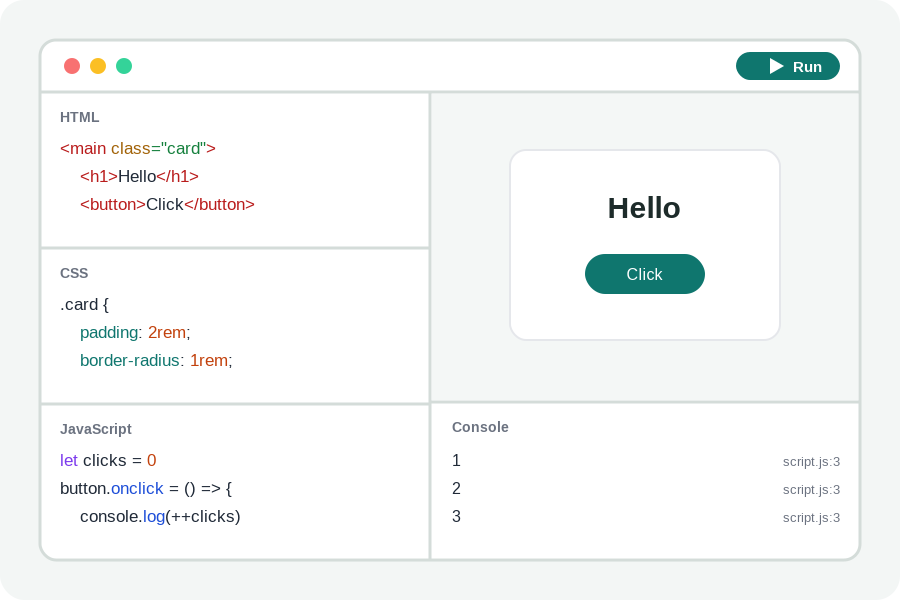
Learning SQL, or checking a query, needs a database to run it on. The KeepSimp code playground has SQLite inside your browser, built for WebAssembly as sql.js, so you can write SQL and see its results with nothing to install.
Each statement, each result.
Open the online SQL editor and press Start with a shop: it makes two tables, fills them and asks two questions of them. Every statement runs in turn and its result is shown as a table, with the line it came from and what each column holds.
A statement that changes rows says how many. An error stops the run and names the line of its statement, with what ran before it still shown.
Your own data.
Add a CSV file in Files and it becomes a table named after the file, its first row naming the columns; a column is a number only when every value in it is one, so codes such as 007 stay as written. Add a .sqlite or .db file to open that database instead.
Keep what you made.
Every run starts again from the project's files. Save as CSV keeps one result, and Save the database writes the database as the run left it, to open in any SQLite program or in Python's sqlite3.
Your code stays on your device.
Everything is compiled and run in your browser. Nothing you write is uploaded and there is no account. Files from other sites that your page asks for (a package, a font, a stylesheet) are fetched by the page from those sites, as any page would.
Further reading
Topics: online sql editor · sqlite online · run sql online · sql playground · query csv with sql · sqlite viewer
A little less theory. A little more doing.
Try it on your own terms, with a free browser tool.
Try the tool