

A code that opens your form or your file.
Make a QR code that opens a Google Form, a PDF or any link, in your browser. Free, static and checked before you print; the PDF must be online first.
By Suraj Kumar5 min read
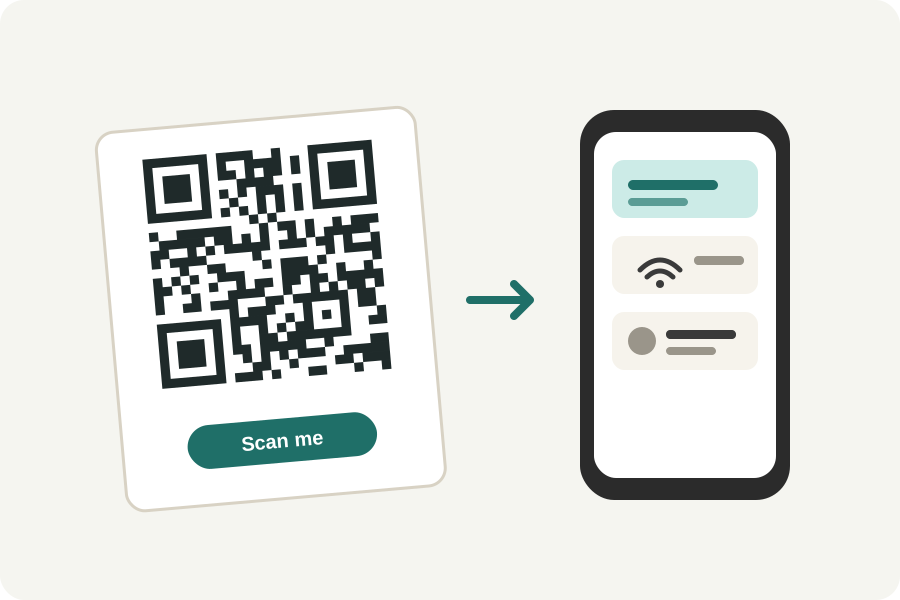
A sign-up sheet on a noticeboard, a menu on a table, a handout at the end of a talk: a QR code saves people typing an address. The KeepSimp QR code generator makes one in your browser for any link. Forms and PDFs need one step first, and it is worth getting right.
A QR code holds an address, not a file.
A QR code holds a little text: at most a few thousand characters. That is room for a web address, a Wi-Fi password or a contact card, but not for a PDF. So a QR code for a PDF is a code for the address where the PDF can be opened.
KeepSimp works in your browser and has no server, so it cannot hold your file for you. The PDF has to be online somewhere first: on your website, or in a cloud drive shared so that anyone with the link can open it.
A Google Form.
In Google Forms, publish the form, then copy the responder link: from Share, from the Published button or from Preview, as Google's help describes. Ticking Shorten URL gives a shorter link, which makes a simpler code.
Open the link in a private window to check that it opens the form for someone who is not you.
A PDF.
Put the PDF where you control it, and copy its link. In Google Drive, share it with General access set to Anyone with the link. On your own site, any address that opens the file will do.
People will open it on a phone, often on a slow connection. Making the PDF smaller first helps it open quickly; the PDF compressor does that in your browser too.
Make the code and check it.
Open the QR code generator, choose Website under What should it open?, and paste the link. The code appears at once, with what a phone will do with it in words, such as Opens docs.google.com/forms/….
Every code is read back on your device in three looks: as made, small and out of focus, and in dim light. It is said to scan only when all three read your link exactly. Download it as PNG, SVG, PDF or EPS.
Printed codes do not change.
Every code KeepSimp makes is static: it holds your link itself, so it never expires and nobody stands in between. The other side is that it cannot be changed once printed. If the PDF moves to another address, the code leads nowhere.
When a file may change, point the code at a page you control and link the file from there. Replacing the file on that page then needs no new code.
Further reading
Topics: qr code for google form · qr code for pdf · pdf to qr code · link to qr code · url to qr code · qr code for website · free qr code generator · static qr code
A little less theory. A little more doing.
Try it on your own terms, with a free browser tool.
Try the tool