

Ask for a review, with a code by the till.
Make a QR code that opens your Google review page, framed with words and ready to print, in your browser. Free, static and checked before printing.
By Suraj Kumar4 min read
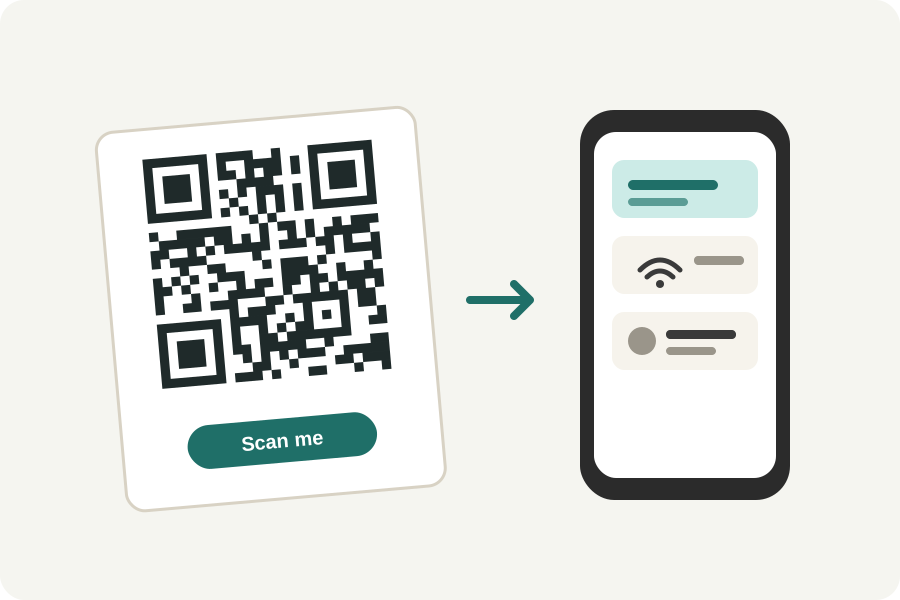
People are happy to leave a review when it takes ten seconds. A QR code on the counter, a receipt or a table card takes them straight to the place to write it. Here is how to make one for your Google Business Profile with KeepSimp, in your browser.
Get your review link from Google.
Google's help describes where the link is: open your Business Profile, choose Read reviews, then the Get more reviews share button, and copy the review link. Google's page notes this is done in a browser on a computer.
Google offers a plain QR code there too. Make your own when you want it framed with words, in your colours, sized for print or in a file a print shop can use.
Make the code.
Open the social media QR code generator, choose Google review, and paste the link. It takes links on Google's own review addresses, g.page and search.google.com, and leaves out anything else, so a mistyped address is caught.
KeepSimp does not look anything up, so it cannot tell whether the link leads to your business. Scan the finished code with your own phone before printing.
Say what it is for.
A bare code gives no reason to scan it. Under the design settings, add a frame with a few words, such as Review us on Google, and choose colours that suit your shop. Keep the code dark on a light background.
A logo in the middle can work too: the generator makes room for it and checks the code still reads. Every code is read back in three looks before it is said to scan.
Print it at a size that scans.
The generator warns when a code would be printed too small and says roughly how far away it scans from: about ten times its width. A code on a counter card can be small; one on a window needs to be larger. PDF and SVG stay sharp at any size, and EPS and PDF can be written in CMYK for a print shop.
Ask, but do not pay.
Google's rules for contributions do not allow paying for reviews or offering something in return for them. A code that simply asks is fine.
The code is static: it holds your review link itself, so it never expires. If your link ever changes, print a new code.
Further reading
Topics: google review qr code · qr code for google reviews · google review link · google business review qr code · review us qr code · qr code for reviews · free qr code generator · print qr code
A little less theory. A little more doing.
Try it on your own terms, with a free browser tool.
Try the tool