

Text from a PDF, joined up again.
Join lines broken mid-sentence, as text copied from a PDF or an email often is, keeping paragraphs and taking out double spaces, in your browser.
By Suraj Kumar3 min read
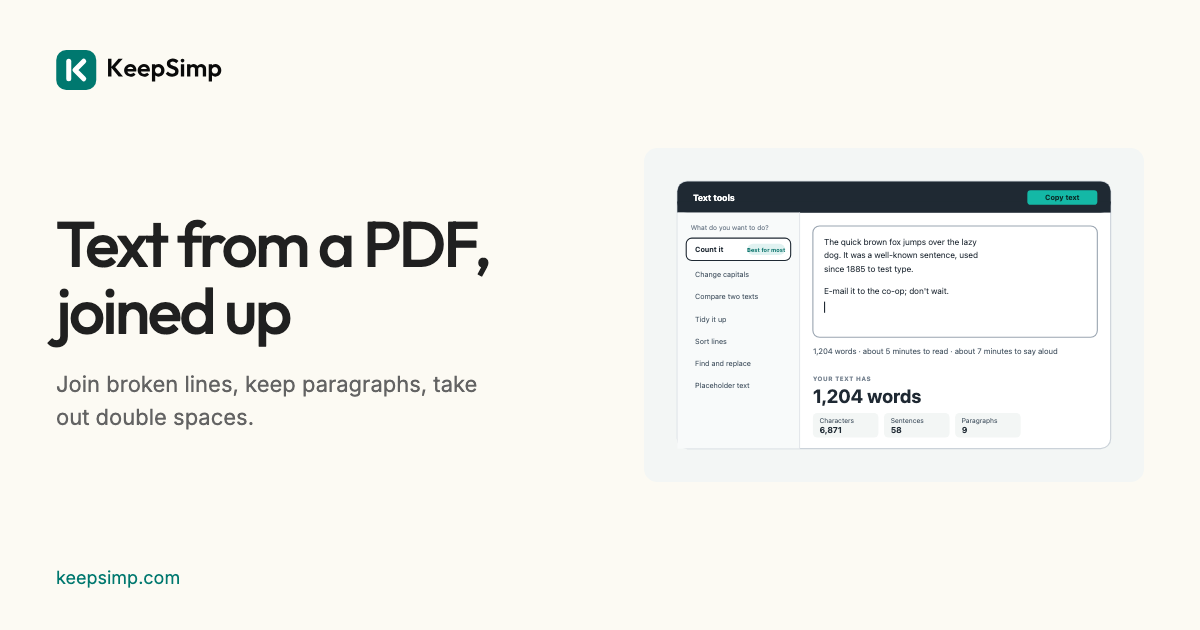
Copy a paragraph out of a PDF and paste it into an email, and it arrives in short lines that break mid-sentence, because a PDF keeps each line of the page as a line. Removing the breaks by hand takes a while; this takes one press.
Join the lines, keep the paragraphs.
Paste the text and press Tidy it. Every line break inside a paragraph becomes a space, while a blank line between paragraphs stays, so the text keeps its shape. Double spaces between words become one, and spaces at the ends of lines go. The page says what it did (“Took out 14 line breaks and 3 double spaces”), and Undo puts it back.
More ways to tidy.
Under More options: join everything into one paragraph; join words a PDF split with a hyphen (“infor-” “mation”); make several empty lines one; straighten curly quotes or curl straight ones; make non-breaking and other odd spaces ordinary; and take out characters that cannot be seen, such as zero-width spaces, by the same rule as the Developer toolkit.
See it first.
Preview shows the text before and after, line by line, with every change marked, before anything is changed.
Nothing leaves your browser.
Everything is worked out on your device: what you paste, type or open is never sent anywhere, and nothing is kept when you leave the page. There are no adverts, no accounts and no limits on length.
Further reading
Topics: remove line breaks · remove line breaks from pdf text · join lines · unwrap text · remove extra spaces · remove empty lines · text cleaner
A little less theory. A little more doing.
Try it on your own terms, with a free browser tool.
Try the tool