

Your profile, on paper.
Make a QR code that opens your Instagram, TikTok, YouTube, LinkedIn, Facebook or X profile, a Discord invite, a Spotify playlist, a meeting or a review page.
By Suraj KumarUpdated 4 min read
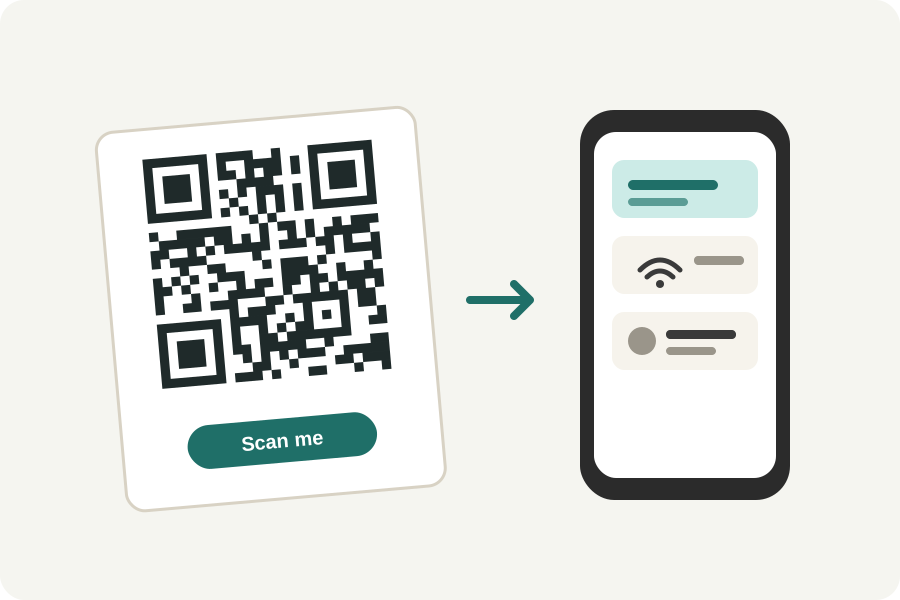
Every social platform gives a profile an address of its own, and a QR code can hold it. The KeepSimp social media QR code generator makes one for more than twenty platforms from your name, or from a link you paste, in your browser.
More than twenty places.
Profiles on Instagram, Facebook, X, Threads, TikTok, YouTube, LinkedIn (a person or a company), Snapchat, Pinterest, Reddit, Twitch, GitHub, Bluesky, Mastodon, SoundCloud, Behance and Dribbble; chats on Telegram and LINE; Discord invites; Spotify songs, playlists and podcasts; Zoom, Teams and Meet meetings; and the page where customers write a Google review.
Type your name as it appears in your profile's address, or paste the link the platform's Share button gives. A pasted link is kept as it is, so long as it is on the platform's own address.
Asking for a Google review.
Google gives every Business Profile a link straight to its review form: in your Business Profile, choose Ask for reviews and copy it. Paste it into the generator, put the code by the till or on the receipt, and customers can write a review in a scan.
Checked here, not out there.
The code is read back on your device to check it holds exactly your link. Whether the profile exists is not checked, because the generator asks nothing of the internet. Scan it with your own phone before you print it, and keep the name the same: a static code cannot be changed once printed.
Further reading
Topics: instagram qr code · social media qr code · tiktok qr code · youtube qr code · linkedin qr code · google review qr code
A little less theory. A little more doing.
Try it on your own terms, with a free browser tool.
Try the tool