

Your dev server on a phone, a tablet and a laptop.
See your development server at localhost on a phone, a tablet and a laptop at once, and keep them in sync as you scroll and click. Free, nothing uploaded.
By Suraj KumarUpdated 4 min read
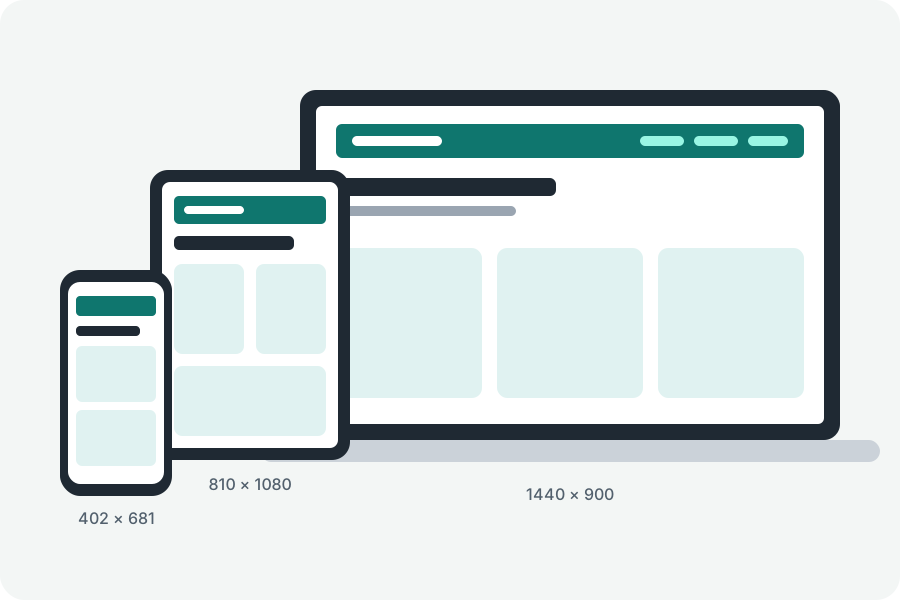
While you build a site, it lives at localhost, and checking it at phone and tablet sizes means resizing the window again and again. The localhost tester shows your development server on several devices at once, and a line in your site keeps them in step.
Type localhost and its port.
Open the localhost tester, type your server's address, such as localhost:3000 or 192.168.1.20:5173, and press Show localhost on devices. A name on your computer or network is opened over http.
Chrome asks before a page on the internet reaches servers on your computer; allow it. Safari can refuse localhost inside a page served over https, so use another browser there or serve your site over https.
Scroll one, and they all scroll.
Under the sync button, How to turn syncing on gives one line to put in your site while you develop it. With it, scrolling, clicks, typing and going to another page on one device are done on the others too; each kind can be switched off.
The line does nothing outside the tester, speaks only with the tester's window, never passes a password on and goes only to pages of your own site. Take it out before the site goes live.
What it shows, and what it does not.
It shows layouts: widths, heights, orientation and the media queries that follow them. The browser drawing them is yours, so touch, the user agent and the pixel density are this browser's; check those on a real device. A site that refuses to be shown inside another page stays blank.
Nothing goes through KeepSimp.
Your browser loads the site straight from its own address, and KeepSimp has no server in between, so it never sees your site, its address or what is on it.
Further reading
Topics: test localhost on mobile · localhost responsive · localhost on phone · dev server preview · synced scrolling · browsersync alternative
A little less theory. A little more doing.
Try it on your own terms, with a free browser tool.
Try the tool