

A WhatsApp chat, one scan away.
Make a QR code that opens a WhatsApp chat with you, your message already typed, for a shop window, a menu or a business card. Made in your browser, no account.
By Suraj KumarUpdated 3 min read
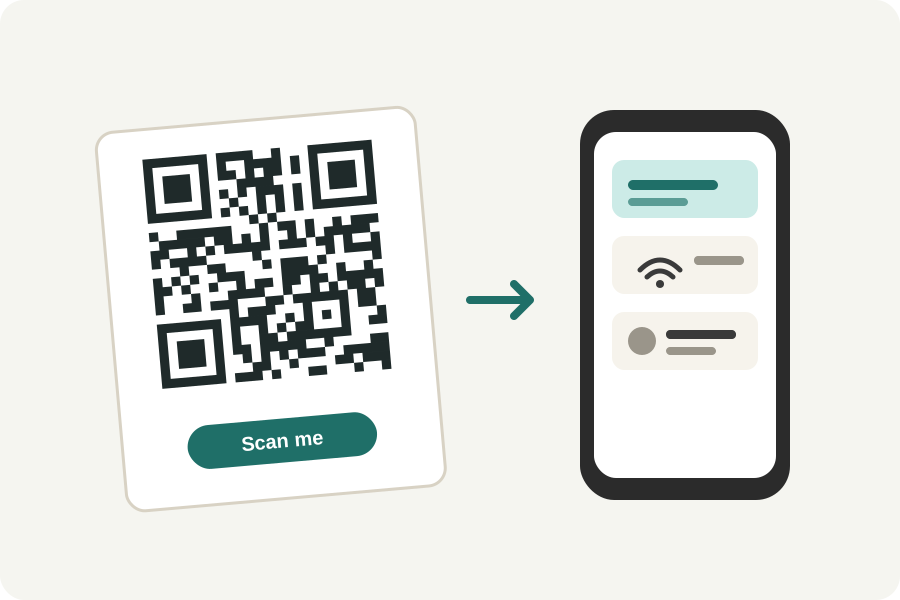
A WhatsApp QR code opens a chat with you on the phone that scans it, with a message you chose already typed: Hello, I would like to book a table. The KeepSimp WhatsApp QR code generator makes one from your number, in your browser.
Your number, a message, a code.
Type your WhatsApp number with its country code, such as +44 7700 900000 or +91 98765 43210, and the message people should start with. The code holds WhatsApp's own click-to-chat link: wa.me, then your number in digits only, then the message.
The person who scans it sees the chat open with your message in the box, and sends it, or changes it first. Nothing is sent until they press send.
Getting the number right.
WhatsApp's link wants the full international number in digits: no plus sign, no 00 and no 0 before the area code. The generator takes it as you would write it, with spaces, a plus or brackets, and writes it as WhatsApp wants.
A number that is not on WhatsApp opens a chat that cannot be sent. Scan the code with your own phone before you print it.
In your colours, with your logo.
Press Design it to choose colours, shapes and a frame with words such as Chat with us, and to put your logo in the middle; room is made for it, and the code is read back before it says it scans.
Further reading
Topics: whatsapp qr code · whatsapp qr code generator · wa.me link · click to chat · whatsapp business qr code · whatsapp link qr code
A little less theory. A little more doing.
Try it on your own terms, with a free browser tool.
Try the tool