

Why a video call sometimes cannot connect.
Why two browsers sometimes cannot reach each other for a video call, what call services do about it, and what you can try on your own network.
By Suraj Kumar4 min read
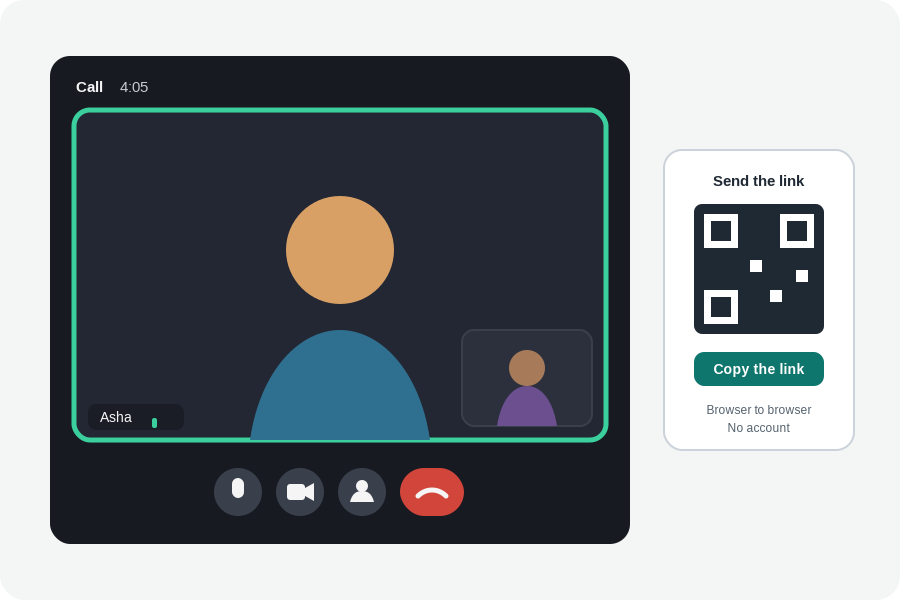
A browser-to-browser call needs the two browsers to reach each other. Usually they can. Sometimes a network in between will not allow it, and then a call service either sends the call through its own server or the call does not connect. Here is why, and what you can do.
Your device does not have an address of its own on the internet.
Behind a home router, an office network or a phone network, many devices share one public address. To call, each browser first asks an address-lookup service (STUN) what address the internet sees it at, then the two try each other's addresses until a pair works. This is called ICE.
With most home routers that works. Some networks, though, give each new connection a different public address, or block incoming traffic they did not start, and then no pair works.
What call services do about it.
Services such as the big video call apps keep relay servers (TURN) through which a call goes when the browsers cannot meet. Published figures from companies that run them say that somewhere between one call in ten and one in four needs such a relay, more often on office and mobile networks.
KeepSimp has no servers, so its Video call has no relay for sound and pictures. When the browsers cannot reach each other, the page says so instead of trying for ever. Messages that help the browsers find each other do go through public relays, but those only carry short sealed messages, not a call.
What you can try.
Try another network: home Wi-Fi instead of mobile data, or mobile data instead of an office network. Turning off a VPN can help, as can a different browser on a device whose browser blocks such connections by a setting.
If one person is on an office network, they are usually the one to move. Press Try again on their picture after changing networks.
Further reading
Topics: video call not connecting · webrtc connection failed · video call firewall · symmetric nat · turn server · peer to peer call blocked
A little less theory. A little more doing.
Try it on your own terms, with a free browser tool.
Try the tool