

A video call with nothing to sign up for.
Start a video or voice call in your browser and send the link: no account, nothing to install, and sound and pictures go straight between browsers.
By Suraj Kumar4 min read
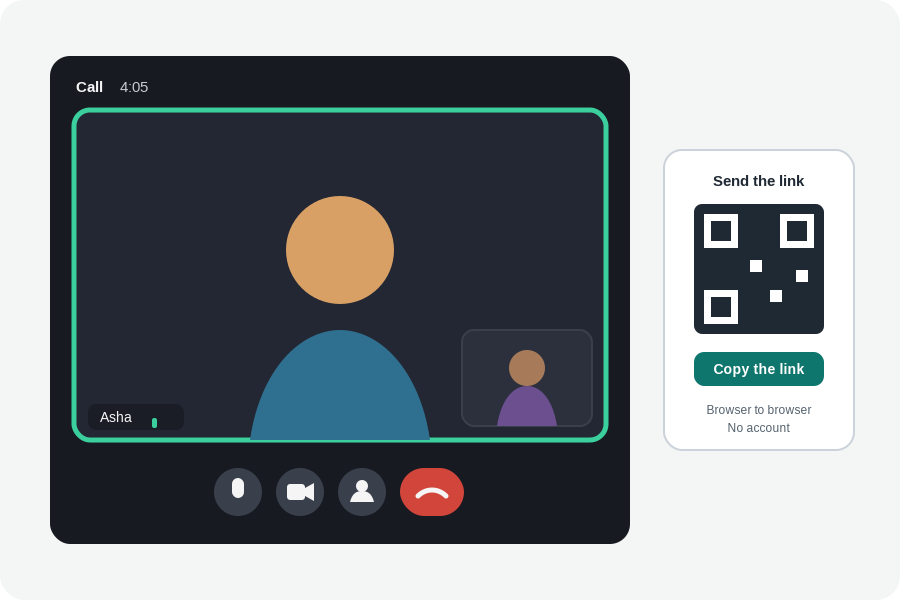
Most video call services want an account, an app, or both, and send your call through their servers. Browsers have been able to call each other directly for years. KeepSimp's Video call uses that: you start a call, send the link, and the people who open it see and hear you, with no account and nothing to install.
Start a call and send the link.
Choose a video call or a voice call and press Start a call. Your browser asks to use your camera and microphone; you see yourself and how loud your microphone is, and can give your name. Press Join now.
The call's link is shown at once. Copy it into a message, use Share on a phone, or show its QR code for a phone in the room to scan. Up to four people can be in a call.
Sound and pictures go straight between browsers.
Once the browsers have found each other, sound and pictures go directly from one to the other, encrypted as every browser call is (DTLS-SRTP). No server of KeepSimp's is in the call, and nothing is recorded unless everyone in it agrees.
To find each other, the browsers need to swap a few lines about where they can be reached. They do it in messages sealed with a key the link carries, sent through public relays that pass messages on and keep nothing. The relays see network addresses and when messages pass, but cannot read them, and each browser's encryption fingerprint is inside them, so a relay cannot put itself in the middle. KeepSimp's live games connect players the same way.
During the call.
Everyone is shown in the middle, each as large as the window allows, and you in a corner that you can drag to any other. Turn your microphone and camera off and on, and choose another microphone or camera with the small arrow beside each. When your camera is off, its light goes out and the others see your initials.
The red button leaves the call; closing the page does too, and the others are told.
What it cannot do.
Some networks do not let two browsers reach each other directly: many offices, some mobile networks and some public Wi-Fi. Call services get around that by sending the whole call through a server of their own, which KeepSimp does not have, so on such a network the page says the browsers could not reach each other. Trying another network, such as home Wi-Fi instead of mobile data, often works.
With no server, each person sends their sound and pictures to every other person, which is why a call has at most four people.
Further reading
Topics: free video call · video call no sign up · video call without account · browser video call · video call link · peer to peer video call
A little less theory. A little more doing.
Try it on your own terms, with a free browser tool.
Try the tool