

Show your screen, not just your face.
Share your screen, one window or a tab on a call from your browser, with the tab's sound if you like. No app or account; it goes straight between browsers.
By Suraj Kumar3 min read
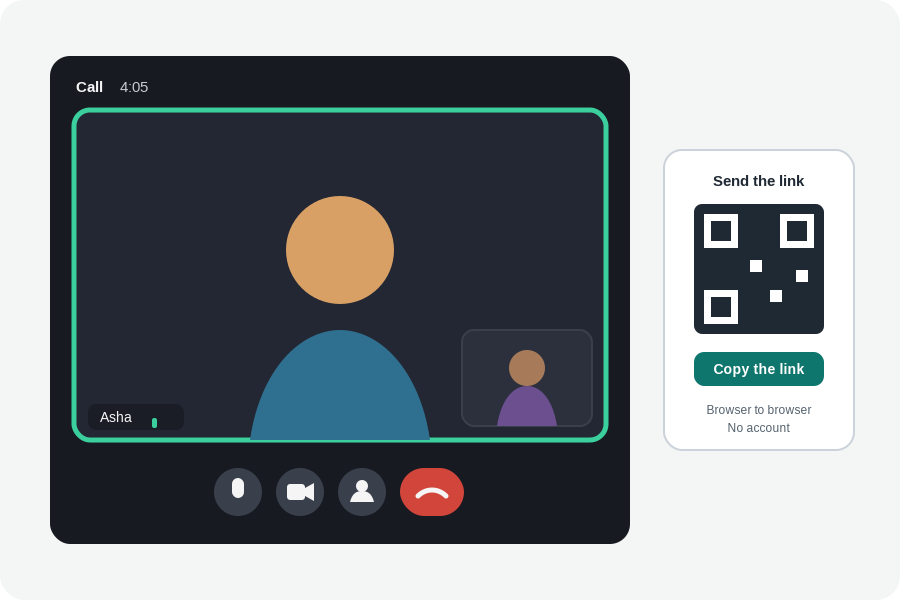
Sometimes it is quicker to show than to explain: a document, a slide, a page that will not load. A call in your browser can share your screen as easily as your camera.
A tab's sound goes too.
Sharing a tab lets the browser send its sound, such as a video playing in it. It goes along with your voice, and muting your microphone does not silence it.
A shared screen is sent at a steady few frames a second at full sharpness, so small text stays readable even when the network is slow.
Stop when you are done.
Press Stop sharing, or your browser's own Stop sharing bar. Screen sharing is offered on computers; people on phones can join and see your screen. Nothing is recorded unless everyone agrees.
Further reading
Topics: share screen online · screen sharing free · share my screen · share screen with sound · screen share call
A little less theory. A little more doing.
Try it on your own terms, with a free browser tool.
Try the tool