

A group call for four, by one link.
Make a group video call for up to four people from your browser: one link, no account, and every picture straight between browsers. What to expect.
By Suraj Kumar4 min read
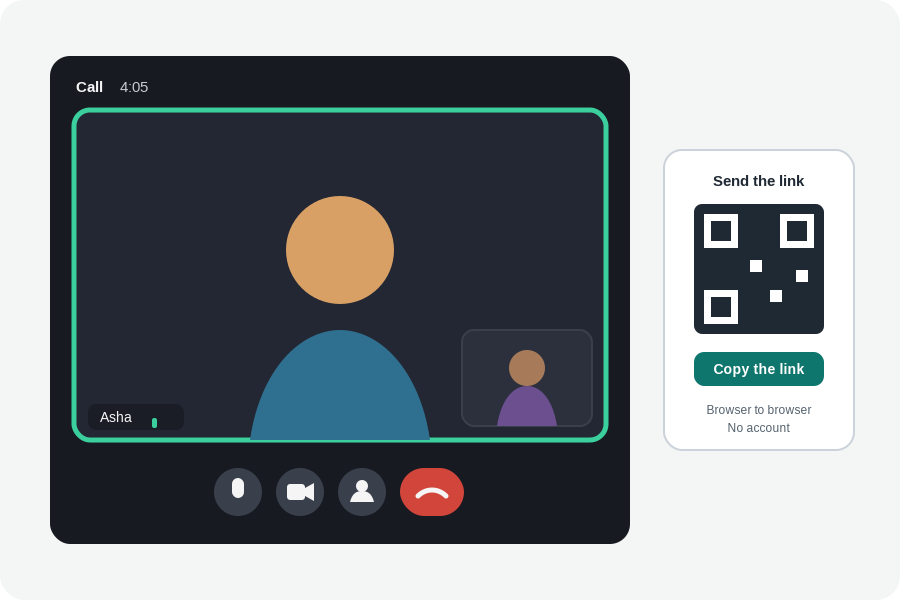
A group call usually means everyone installing the same app. With a browser on each end it does not have to: one link brings up to four people into the same call, each seeing and hearing the others.
One link for everyone.
Open Group video call and press Start a call. Check your camera and microphone, give your name and join, then send the link to up to three people, by message, Share or its QR code.
Each person who opens the link joins the same call, and their browser connects to every browser already in it.
Everyone sends to everyone.
With no server in the middle, each person's camera is sent to each other person: in a call of four, everyone sends three pictures and receives three. The call shares out what each network can send, so a home connection carries everyone, and each picture adapts when a network has less room.
Measured with four people on one computer, everyone connected within three seconds. A fifth person would make everyone send a fourth picture, which phones and older laptops would not keep up with, so a call holds four.
Working together in the call.
Everyone is shown as large as the window allows. Pin someone to keep them large, share your screen to put it in front of everyone, raise a hand or send a quick reaction. A ring lights around whoever is speaking.
If one person's network will not let their browser reach the others directly, their picture says so and the rest carry on.
Further reading
Topics: group video call · free group video call · video call with 4 people · group video chat online · conference call no app
A little less theory. A little more doing.
Try it on your own terms, with a free browser tool.
Try the tool