

Keep the call on you, not your room.
Blur your background on a video call in your browser, worked out on your device: no app and no upload. How it works, and what it can get wrong.
By Suraj Kumar3 min read
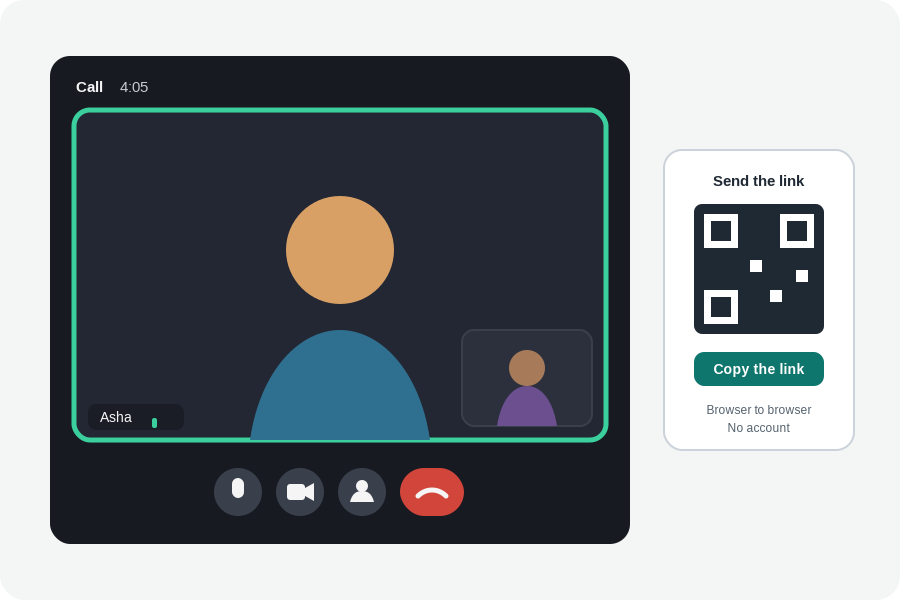
A messy room, a busy office, a kitchen in the middle of dinner: sometimes you would rather people saw only you. A background blur keeps you sharp and softens everything behind you.
Worked out on your device.
A small model, MediaPipe's selfie segmenter, finds you in each picture from your camera, on your own device. The picture with your background blurred is drawn there, and that is what your browser sends. The model is loaded once from KeepSimp's own site, and nothing of your camera is uploaded anywhere.
Background blur opens with the background already blurred; in any call, Settings changes it to blurred, a plain dark or light colour, or as it is.
What it can get wrong.
The model finds people only. Something you hold up to the camera may be taken for background and blurred too; turn the background back to As it is to show it. In low light, or against a wall the colour of your clothes, the edges of your hair and shoulders can waver.
The same blur, recording yourself.
The Screen recorder uses the same model when you record your camera, so a recorded message can have the same background as your calls.
Further reading
Topics: blur background video call · virtual background · hide messy room video call · background blur webcam · blur background in browser
A little less theory. A little more doing.
Try it on your own terms, with a free browser tool.
Try the tool