

A meeting that starts with a link.
Hold a quick online meeting for up to four people in the browser: one link, screen sharing, raised hands and a recording only if everyone agrees.
By Suraj Kumar3 min read
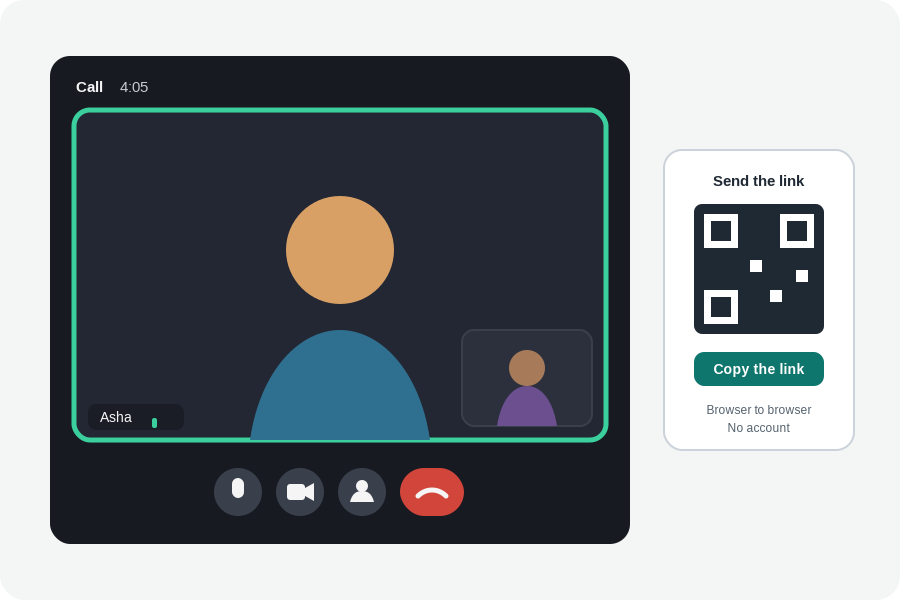
Not every meeting needs a calendar invite and an app. For a quick talk with up to three others, a link is enough, and the meeting happens in everyone's browser.
Start it and send the link.
Open Online meeting, press Start a call and join. Send the link in a chat or an email; whoever opens it joins with their camera and microphone. No one needs an account.
Run it without talking over each other.
Raise your hand from the React button and it stays on your picture until you lower it; send a thumbs up or a clap without unmuting. Share your screen to put a document in front of everyone, and pin whoever is presenting.
If you talk with your microphone off, the page tells you, so no one waits through a silent minute.
Recorded only if everyone agrees.
Sound and pictures go straight between the browsers in the meeting, encrypted as every browser call is, and no server of KeepSimp's is in it. The link carries a key, so send it only to the people you mean to meet.
Anyone can press Record. It asks everyone, and starts only once every person has said yes; everyone sees that it is recording, and it stops as soon as anyone takes their yes back or someone joins who was not asked. The recording, everyone's pictures, voices and shared screens in one video, is made and kept on the recorder's device only.
Further reading
Topics: free online meeting · online meeting no app · meeting link · instant video meeting · meet without sign up
A little less theory. A little more doing.
Try it on your own terms, with a free browser tool.
Try the tool