

JPG to text, explained.
Turn the words in a JPG, PNG, WebP or iPhone HEIC picture into plain text to copy or save as .txt, read by Tesseract in your browser.
By Suraj Kumar2 min read
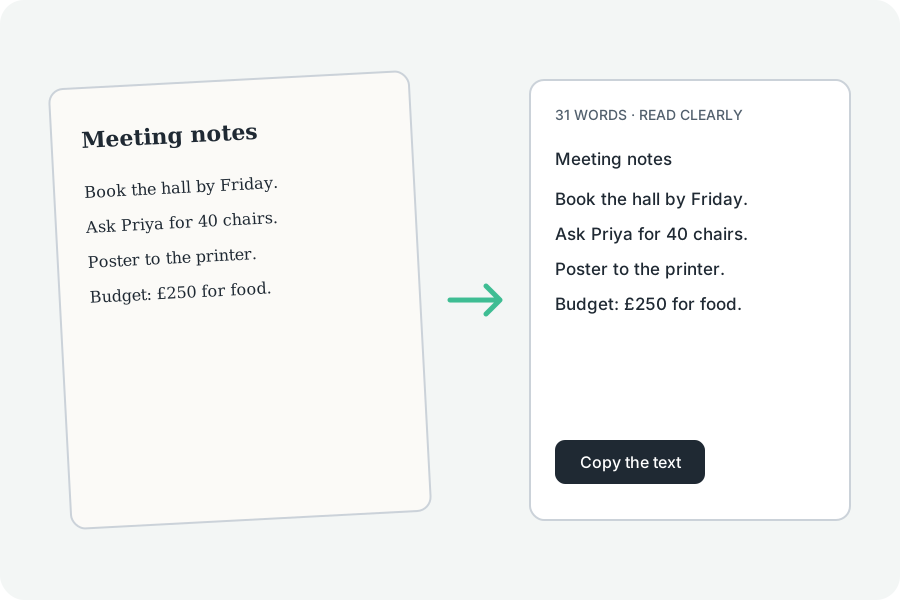
Any common picture works, iPhone photos too.
The pictures it opens.
JPG, PNG, WebP, HEIC, AVIF, TIFF and the first frame of a GIF, opened by the image tools' own decoders.
As a .txt file.
Download .txt saves the words as plain UTF-8 text.
For a good reading.
A sharp, straight picture with clear print reads best.
Further reading
Topics: jpg to text · png to text · jpg to txt · jpeg to text · image to txt
A little less theory. A little more doing.
Try it on your own terms, with a free browser tool.
Try the tool