

A round picture, with nothing in the corners.
Cut a photo into a circle in your browser for a profile picture, a sticker or a logo, with clear corners saved as PNG. Nothing is uploaded.
By Suraj Kumar3 min read
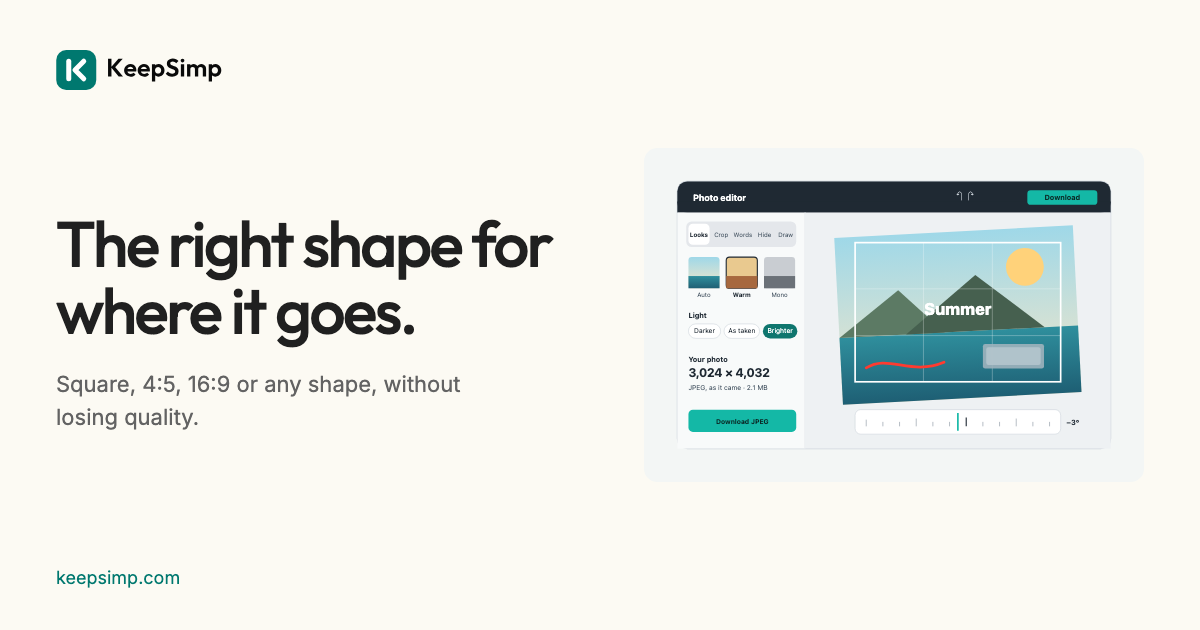
Profile pictures, stickers and badges are often round. The Circle crop page opens the Photo editor with its crop held to a circle: the largest circle in the middle of your photo is chosen, the corners outside it are made clear, and the result is saved as a PNG that keeps them clear. It all happens in your browser.
Crop in two steps.
Open Circle crop and drop a photo. The crop is a square with a circle in it, as large as the photo allows, in the middle. Drag it to the face or the part you want, or drag a corner to make it smaller.
Download it when it looks right. Every step can be undone, and turning Shape off keeps the square without the circle.
Why the file is a PNG.
Outside the circle the picture is clear, so whatever it is laid on shows through. JPEG cannot hold clear parts, so a JPEG photo is saved as PNG, and the page says so before you download. A PNG, WebP or AVIF photo keeps its own kind.
The edge of the circle is softened over one pixel, by how much of each pixel the circle covers, so it looks smooth at any size. Only how clear each pixel is changes; the colours inside are the photo's own.
Where a round picture goes.
Most sites crop a profile picture into a circle themselves, from a square. For those, a square crop is enough, and a JPEG is smaller; the guide to cropping covers the other shapes.
A round PNG is what you want when the circle must stay a circle wherever it goes: a sticker, a slide, a badge on a website or a picture laid over another.
More for the same picture.
The Photo editor can do the rest before you download: make it lighter, give it a look, or blur something in the background. Each is one step that can be undone.
To take the background out instead, so only the person is left, the Background remover does that and saves a PNG with a clear background.
Further reading
Topics: circle crop · crop image into circle · round profile picture · circle photo · crop photo round · circular image
A little less theory. A little more doing.
Try it on your own terms, with a free browser tool.
Try the tool