

How to use a countdown timer, and add time as it runs.
How to set a countdown for any length up to a day, add a minute while it runs, choose its sound, and know it ended even if you looked away.
By Suraj Kumar3 min read
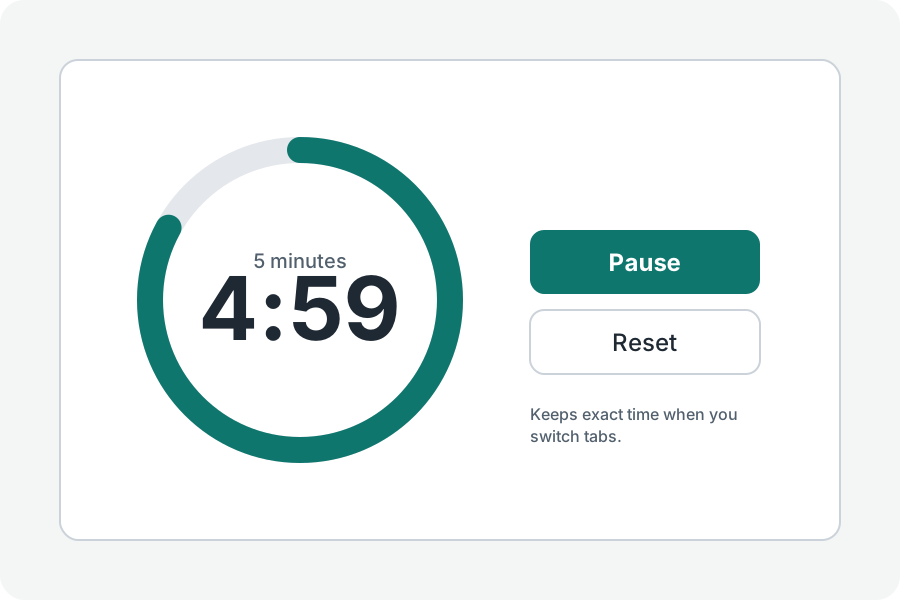
A countdown runs from a length you choose to zero and rings. Here is everything this one can do.
Choose a length.
Press a common length, from 1 minute to 1 hour, or Your own for hours, minutes and seconds up to a day. Press Start, or Space.
Add a minute, pause, carry on.
Press 1 min, or +, to add a minute while it runs or after it ends. Pause stops it where it is; Carry on starts it again from there.
When it ends.
It rings with the sound you chose and says the time it finished. Press Tell me when it ends to get a notification if the tab is in the background, where the browser allows it.
Further reading
Topics: countdown timer · countdown · set a timer · online countdown · minute timer · timer with sound
A little less theory. A little more doing.
Try it on your own terms, with a free browser tool.
Try the tool