

A little know-how
A Facebook Reel, of any length.
Make a Facebook Reel in your browser at 1080 × 1920: clips and photos put together with text, music, captions and templates, exported as MP4 and checked. No uploads.
By KeepSimp 4 min read
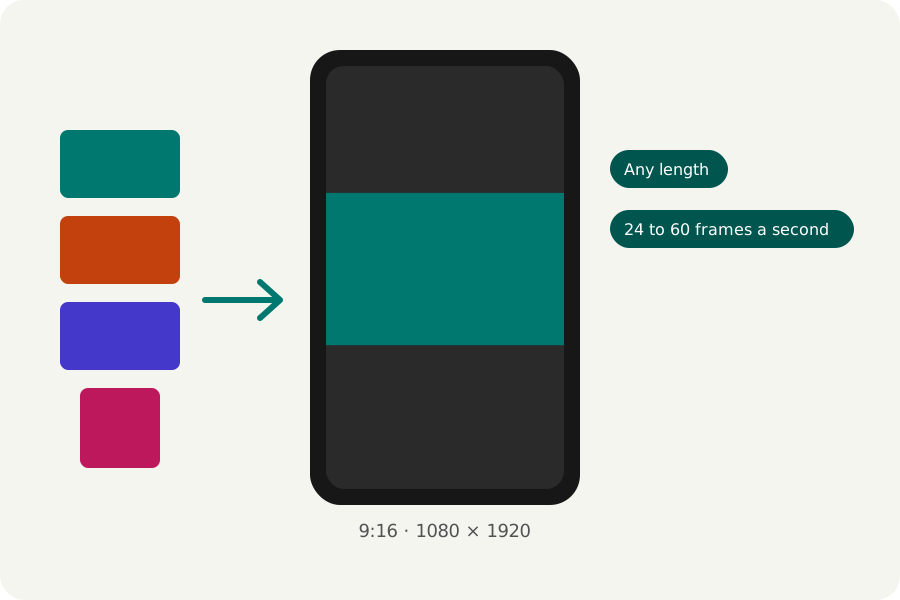
Facebook now shares every video as a Reel. You can make one in your browser from your own clips and photos, with words, music and captions, and post the finished file; nothing is uploaded to make it.
Any length, best tall.
Meta's help for Facebook Reels says they can be any length or orientation, and recommends 1080p at 24 to 60 frames a second. A Reel fills a phone at 9:16, so the Facebook Reels maker makes it at 1080 × 1920; change the shape in the reel's settings if you want another.
Put it together.
Add your clips and photos, trim each by its handles, change its speed, and choose how one gives way to the next. Add text, stickers and motion graphics, music and a voice-over, and captions heard from your speech. Or start from a template and give it your files.
Export it, checked.
Press Export at the top right. MP4 at 1080p, 30 frames a second and Balanced quality are chosen for you, and Facebook takes them. Facebook recommends 24 to 60 frames a second; 30 is chosen, and 25, 50 and 60 are there too.
The reel is written in your browser, then opened again and checked (its size, its length, that its picture and sound play and end together) before you download it. Choose a moment for the cover and you get that frame as a PNG beside it. Nothing is uploaded at any point.
Further reading
Topics: make a facebook reel · facebook reels maker · facebook reel size · facebook reel length · facebook video maker
A little less theory. A little more doing.
Try it on your own terms, with a free browser tool.
Try the tool