

A little know-how
A TikTok from what is already on your phone.
Make a TikTok in your browser at 1080 × 1920: clips and photos trimmed and arranged, text, stickers, music and captions timed word by word, from a template if you like. No watermark, no uploads.
By KeepSimp 5 min read
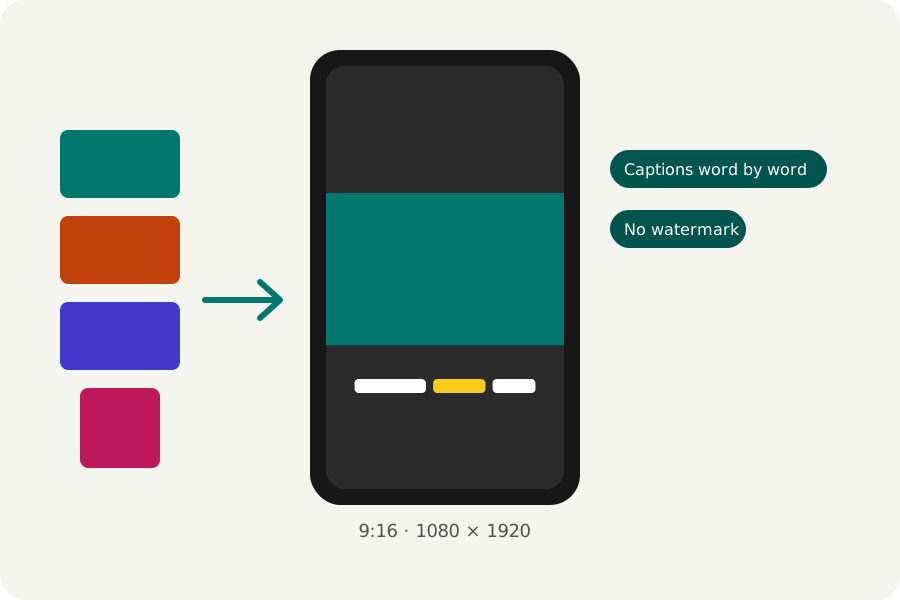
A TikTok is a tall video, often made of a handful of short clips, words on the screen and a sound under it. You can put one together in your browser from your own clips and photos, then post the file. Nothing is uploaded to make it, and nothing is stamped on it.
9:16, at 1080 × 1920.
TikTok's own specifications for video ads recommend vertical 9:16 at 540 × 960 or more. The TikTok video maker makes the reel at 1080 × 1920, the size a phone fills its screen with.
TikTok's help pages give different lengths for videos uploaded from the app and from a computer, and could not all be checked when this was written, so the Reel maker does not warn about a TikTok's length. Shorter clips cut tight are watched to the end more often anyway.
Words on the screen, said as they are spoken.
Many TikToks are watched with the sound off. Make captions hears the speech in your clips on this device and lays the words out a few at a time, the word being said in yellow, growing or boxed, as you choose. Read them through: speech recognition can mishear.
Text looks such as Highlight, Boxed and Big number are made for short videos; each can come in by popping, rising or typing itself out, a word or a letter at a time.
Start from a template.
Photo dump, Top five, Before and after and the others are reels with places for your files: choose your clips and photos and they go in its places in order, with its words, timings and transitions. Save a reel of your own as a template to make the next one the same way.
Export it, checked.
Press Export at the top right. MP4 at 1080p, 30 frames a second and Balanced quality are chosen for you, and TikTok takes them. KeepSimp puts no mark of its own on the video.
The reel is written in your browser, then opened again and checked (its size, its length, that its picture and sound play and end together) before you download it. Choose a moment for the cover and you get that frame as a PNG beside it. Nothing is uploaded at any point.
Further reading
Topics: make a tiktok · tiktok video maker · tiktok video size · tiktok captions · tiktok template · no watermark
A little less theory. A little more doing.
Try it on your own terms, with a free browser tool.
Try the tool