

A little know-how
Three minutes, or less, of your best.
Make a YouTube Short in your browser at 1080 × 1920, with a warning when it runs past the three minutes Shorts take: clips, photos, text, music and captions, exported as MP4. No uploads.
By KeepSimp 5 min read
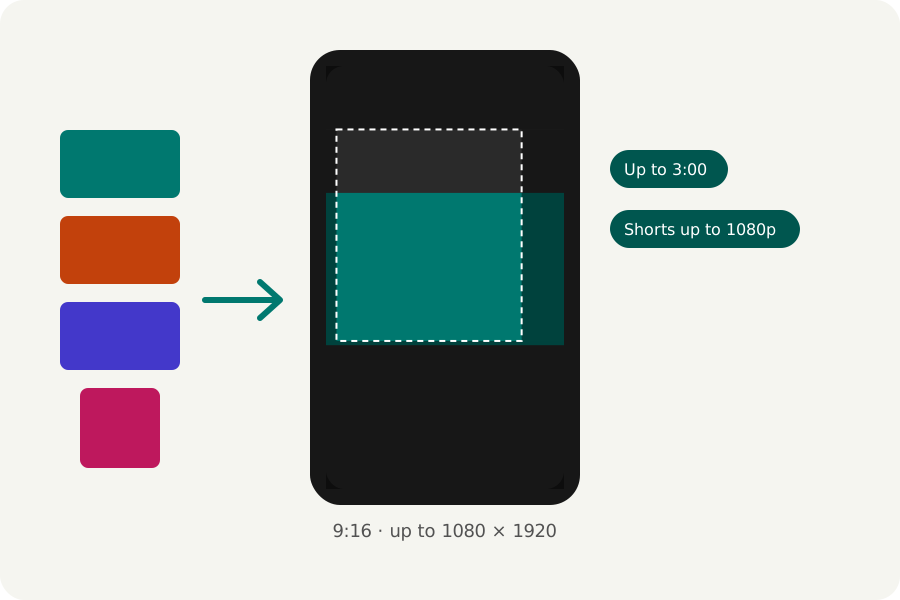
YouTube counts a square or vertical video of up to three minutes as a Short. You can make one in your browser from your own clips and photos and upload the finished file to YouTube yourself; nothing is uploaded to make it.
Up to three minutes, up to 1080p.
YouTube's help says Shorts can be up to three minutes long, square or vertical, and that Short videos can be uploaded at up to 1080p. The YouTube Shorts maker makes the reel at 1080 × 1920 and warns in the export window when it runs past three minutes.
The same page says that a Short longer than a minute with an active Content ID claim is blocked, so music you do not own is a risk in a longer Short. Use music of your own or with a licence.
Clear of the buttons.
YouTube draws its buttons and the title over the bottom and right of a Short. Google's guide for vertical video ads keeps the important part inside a box 288 pixels from the top, 672 from the bottom, 48 from the left and 192 from the right of 1080 × 1920. Press Safe zones in the editor to shade the rest; the note says the guide is written for ads.
Music, voice and captions.
Put music under the reel from the start, over and over, lowered while your voice-over speaks. Bring the whole reel to a loudness such as −14 LUFS if you like; it is measured first and its peaks kept under −1 dBTP. Captions heard from your speech make the Short easy to follow with the sound off.
Export it, checked.
Press Export at the top right. MP4 at 1080p, 30 frames a second and Balanced quality are chosen for you, and YouTube takes them. Sizes above 1080p are offered when your browser can write them, but a Short is shown at no more than 1080p.
The reel is written in your browser, then opened again and checked (its size, its length, that its picture and sound play and end together) before you download it. Choose a moment for the cover and you get that frame as a PNG beside it. Nothing is uploaded at any point.
Further reading
Topics: make a youtube short · youtube shorts maker · youtube shorts length · youtube shorts size · shorts safe zone · vertical video for youtube
A little less theory. A little more doing.
Try it on your own terms, with a free browser tool.
Try the tool