

A bank transfer, typed by the camera.
Make an EPC QR code (GiroCode) in your browser that fills in a SEPA euro transfer in the payer's bank app: name, IBAN, amount and reference.
By Suraj KumarUpdated 4 min read
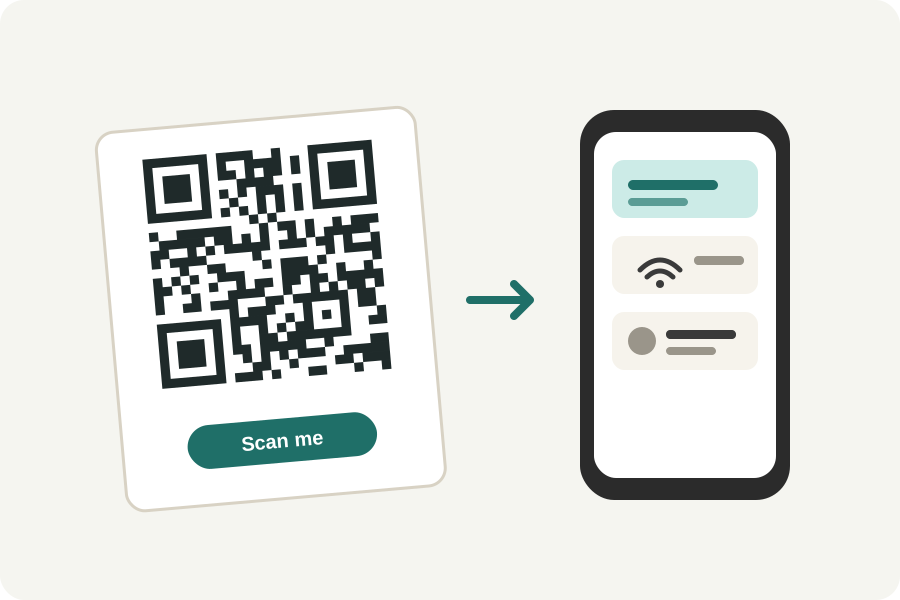
Many banking apps in Europe can fill in a transfer from a QR code on an invoice: the name, the IBAN, the amount and the reference, with no typing and no mistyped digits. The code is the European Payments Council's EPC QR code, called GiroCode in Germany and Austria. The KeepSimp SEPA QR code generator makes one in your browser.
What goes in.
Your name as the account holder, your IBAN, and, if the payment is for an exact sum, the amount in euros. A BIC is needed only for payers outside the European Economic Area. Add a creditor reference (one that starts RF) or a short payment message, not both, and a note for the payer.
The IBAN's and the reference's check digits are worked out before the code is made, so a mistyped digit is caught here, not at the bank. The code is written as EPC069-12 asks: version 002, UTF-8, error correction M, at most 331 bytes.
What the code does, and does not do.
The code moves no money. The payer's banking app fills in the transfer and shows it; they check it and confirm it in their own app. Nothing is checked with any bank here.
Because the standard asks for error correction M, a logo cannot be made room for in a SEPA code: the generator leaves it out and says so.
On an invoice.
Put the code near the total, about 2.5 to 4 cm across, with the words Pay with your banking app or Scan to pay. Download it as SVG, PDF or EPS so it prints sharp in your invoice layout.
Further reading
Topics: sepa qr code · epc qr code · girocode · girocode generator · bank transfer qr code · invoice qr code
A little less theory. A little more doing.
Try it on your own terms, with a free browser tool.
Try the tool