

Style a page with Tailwind as you type.
Style a page with Tailwind CSS classes and @apply and see it as you type, with Tailwind's own browser build served by KeepSimp. Free, no account.
By Suraj KumarUpdated 3 min read
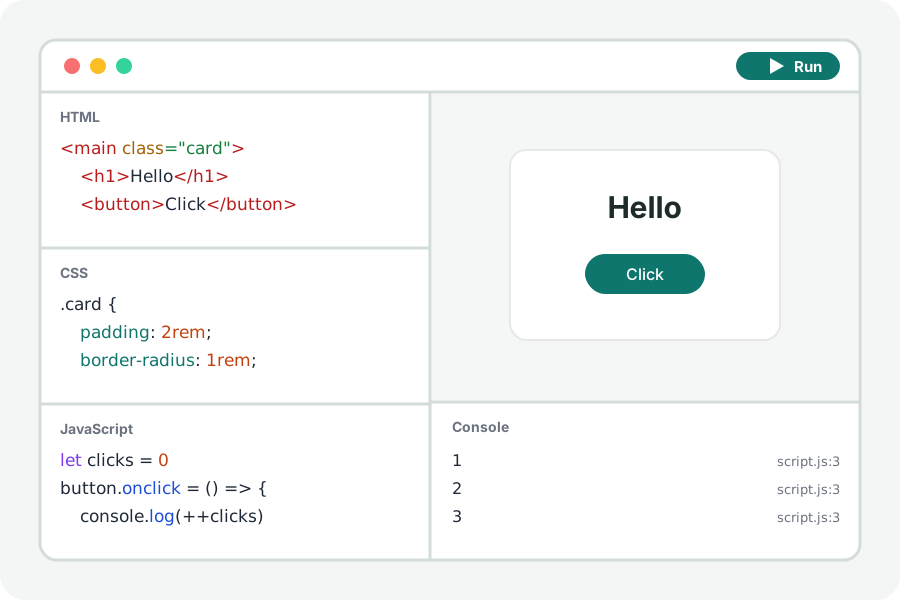
Tailwind styles a page with classes in the HTML. The Tailwind playground runs Tailwind's own browser build in the page, so every class you type is styled at once.
Classes in, styles out.
Open the Tailwind playground and press Start with a card. Change a class such as p-6 or bg-white and the page follows. The CSS editor is read as Tailwind's own, so @apply and @theme work there.
Turn Tailwind on in any project from Settings. Its browser build is served by KeepSimp itself, fetched only when you turn it on and kept for working offline once used.
A page that looks the same anywhere.
Save writes one HTML file with Tailwind's browser build inside it, so the page looks as it does here wherever it is opened.
Your code stays on your device.
Everything is compiled and run in your browser. Nothing you write is uploaded and there is no account. Files from other sites that your page asks for (a package, a font, a stylesheet) are fetched by the page from those sites, as any page would.
Further reading
Topics: tailwind playground · tailwind css online · try tailwind · tailwind without build · utility css · tailwind browser build
A little less theory. A little more doing.
Try it on your own terms, with a free browser tool.
Try the tool