

Try CSS and watch the page follow.
Try flexbox, grid, animations and custom properties on a page as you type, with SCSS compiled on your device. Free, no account, nothing uploaded.
By Suraj KumarUpdated 3 min read
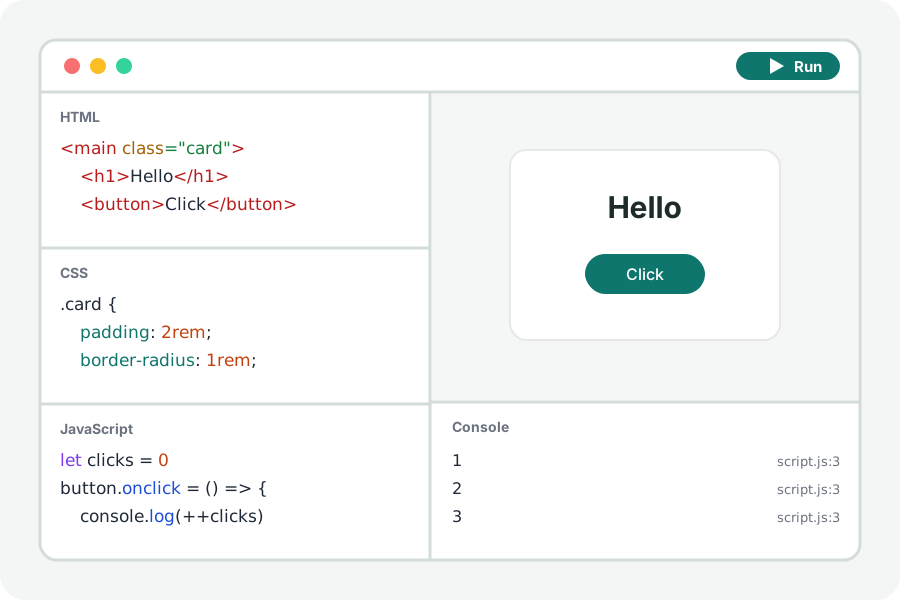
CSS is learnt by changing a value and seeing what moves. The CSS playground puts a page beside your CSS and redraws it as you type, so you can try a grid, an animation or a colour without a project around it.
Change a value, see what moves.
Open the CSS playground and press Start with a grid: a gallery of tiles laid out by CSS Grid. Change the column size or the gap and the tiles move as you type. Starters in the menu show flexbox, keyframe animations and light and dark themes made of custom properties.
Show the page as wide as a phone, a tablet or a laptop, and your media queries apply as they would on that screen.
SCSS, turned into CSS on your device.
Choose SCSS in the CSS editor's title to write Sass: variables, nesting, mixins and loops. It is compiled by Sass itself in your browser, and a mistake is named with its line and marked in the editor.
Your code stays on your device.
Everything is compiled and run in your browser. Nothing you write is uploaded and there is no account. Files from other sites that your page asks for (a package, a font, a stylesheet) are fetched by the page from those sites, as any page would.
Further reading
Topics: css playground · try css online · css grid · flexbox · scss online · css animation playground
A little less theory. A little more doing.
Try it on your own terms, with a free browser tool.
Try the tool