

Test a Mac keyboard, ⌘ and all.
Test a Mac or Magic Keyboard in your browser with the keys in their places, ⌘ and ⌥ included, and learn which Mac keys no web page can see.
By Suraj Kumar3 min read
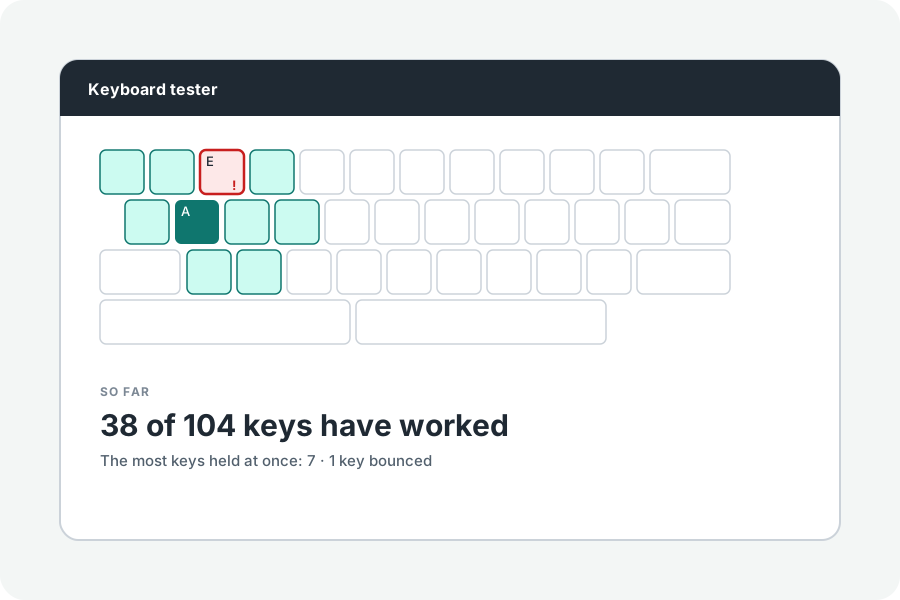
Mac keyboards have their own keys and their own quirks in a browser. The Mac keyboard tester draws them in their places and says what a page cannot see.
Your keys, in their places.
The tester opens on the Mac shape: ⌃, ⌥ and ⌘ beside the space bar, with the function row and, for full keyboards, the number pad. Choose 75% for a MacBook.
Mac keys a page sees differently.
Fn (the globe key) is never told to a web page. A key pressed while ⌘ is held sends no release, so the tester lets it go when ⌘ is. Caps Lock is told when it turns on and when it turns off, rather than when pressed and let go.
More to test.
Hold several keys to test rollover, and press each once to find any that bounce.
Further reading
Topics: mac keyboard tester · macbook keyboard test · magic keyboard test · test mac keyboard · apple keyboard tester · command key test
A little less theory. A little more doing.
Try it on your own terms, with a free browser tool.
Try the tool