

Text to MP3, made in your browser.
Turn any text into a spoken MP3 with a natural voice that runs on your device: no account, no character limit, and nothing uploaded.
By Suraj Kumar3 min read
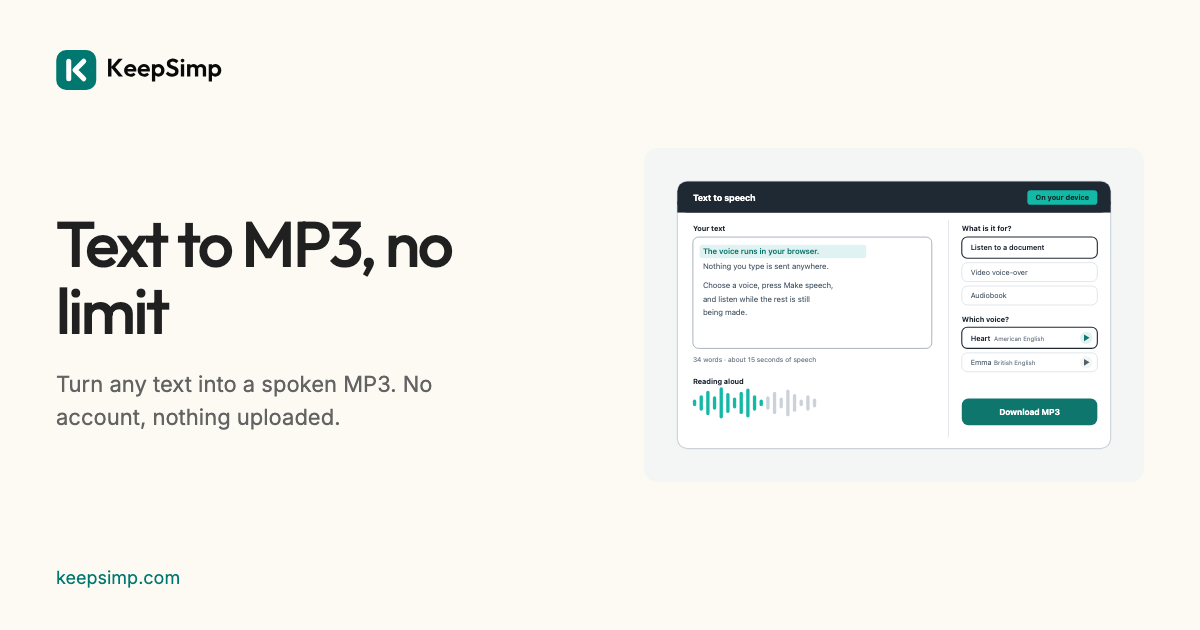
Sometimes you want text as a sound file: an article to hear on a walk, notes to go over in the car, a script for a video. Text to MP3 turns it into an MP3 with a natural voice, and the voice runs in your browser, so there is no account and no character limit.
Three steps.
Paste your text or open a document (.txt, .md or .docx). Choose a voice; the play button beside each lets you hear it first. Press Make speech: it starts reading at once, and when it is done, Download MP3 saves the file.
The MP3 is mono at 24 kHz, the rate the voice is made at, and 96 kbit/s, with a gapless header so players leave no gap at its start. It is opened again and checked before it is offered.
Long texts.
There is no character limit, but the box takes about 120,000 characters at a time, around two hours of speech, because the sound is made and kept in your browser. It plays while it is being made, and Stop keeps what was made: Make the rest goes on from there.
Under More options you can change the speed (from half to twice as fast), the pauses after sentences and paragraphs, and save WAV or subtitles as well.
What to expect of the voice.
The voice is Kokoro, an open model released under the Apache 2.0 licence, which allows commercial use. It reads English, in an American or a British accent. It is computer-made and can mispronounce names, numbers and abbreviations, so listen before you share it.
Your text stays on your device.
The voice runs in your browser: what you type or open is never sent anywhere. The first time, the voice's files (about 120 MB) are downloaded from KeepSimp itself, never from another site, and your browser keeps them, so it works offline after that. Nothing you make is kept when you leave the page.
Further reading
Topics: text to mp3 · convert text to mp3 · text to audio file · save text as mp3 · text to speech mp3 · free text to mp3 · text to mp3 no sign up
A little less theory. A little more doing.
Try it on your own terms, with a free browser tool.
Try the tool