

A large WAV, made into a small MP3.
Convert WAV files to MP3 in your browser, fifty at once, at the quality you choose: about a seventh of the size at the usual setting. Nothing is uploaded.
By Suraj Kumar3 min read
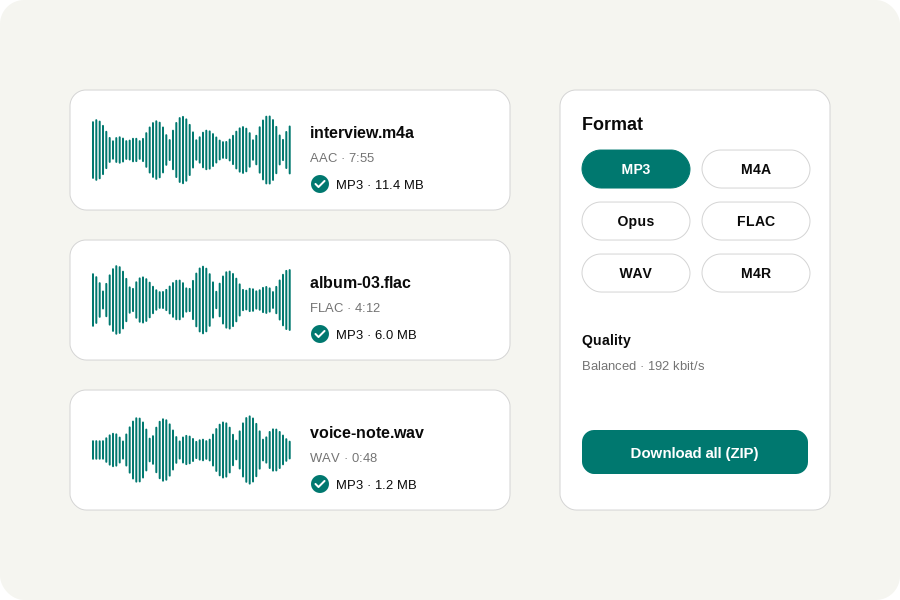
WAV keeps sound uncompressed, sample for sample, which is why recorders and editing programs use it and why the files are so large. To send, post or play a recording almost anywhere, an MP3 is far smaller. The KeepSimp WAV to MP3 page converts in your browser, and the sound never leaves your device.
Convert in three steps.
Open WAV to MP3 and drop your files, up to fifty at a time. They open in the audio editor, listed on the left, already set to save MP3.
Each MP3 is decoded again from start to end and checked before it is offered. Download one, or all of them as a ZIP.
How much smaller.
A minute of CD-quality WAV (44.1 kHz, 16 bits, stereo) is about 10 MB. As an MP3 at the usual 192 kbit/s it is about 1.4 MB, a seventh of that; at 320 kbit/s about 2.3 MB, and at 96 kbit/s about 0.7 MB.
WAV files of 24 bits or 96 kHz are larger still. An MP3 holds at most 48 kHz, so a faster recording is written at 48 kHz, and the page says so; a file of more than two channels is mixed down to stereo, and the page says that too.
Which quality to choose.
Balanced, 192 kbit/s, is where the page starts, for music and voices alike. High, 320 kbit/s, is the most an MP3 holds; Small, 96 kbit/s, is for long speech where size matters most. A recording in one channel is given less, as it needs less.
MP3 leaves out detail the ear is least likely to miss, so keep the WAV if you will edit the sound again: an MP3 made from an MP3 loses a little more each time. For a smaller file with nothing lost, choose FLAC under More options.
Tags, gaps and checks.
Tags the WAV carries, such as its title and artist, go into the MP3. Each MP3 says in its header how much silence the encoder added at the start, so players that read it start on the first sound.
To trim it, make it louder or take out a hum before you save, the audio editor's tools are beside the file.
Further reading
Topics: wav to mp3 · convert wav to mp3 · wav to mp3 converter · wav to mp3 320kbps · batch wav to mp3 · compress wav file · reduce wav file size
A little less theory. A little more doing.
Try it on your own terms, with a free browser tool.
Try the tool