

A Word file as a PDF, in a simple look.
Convert a Word file (DOCX) to PDF in your browser, with nothing uploaded: headings, lists, tables and pictures on A4 or US Letter, in a simple look.
By Suraj Kumar3 min read
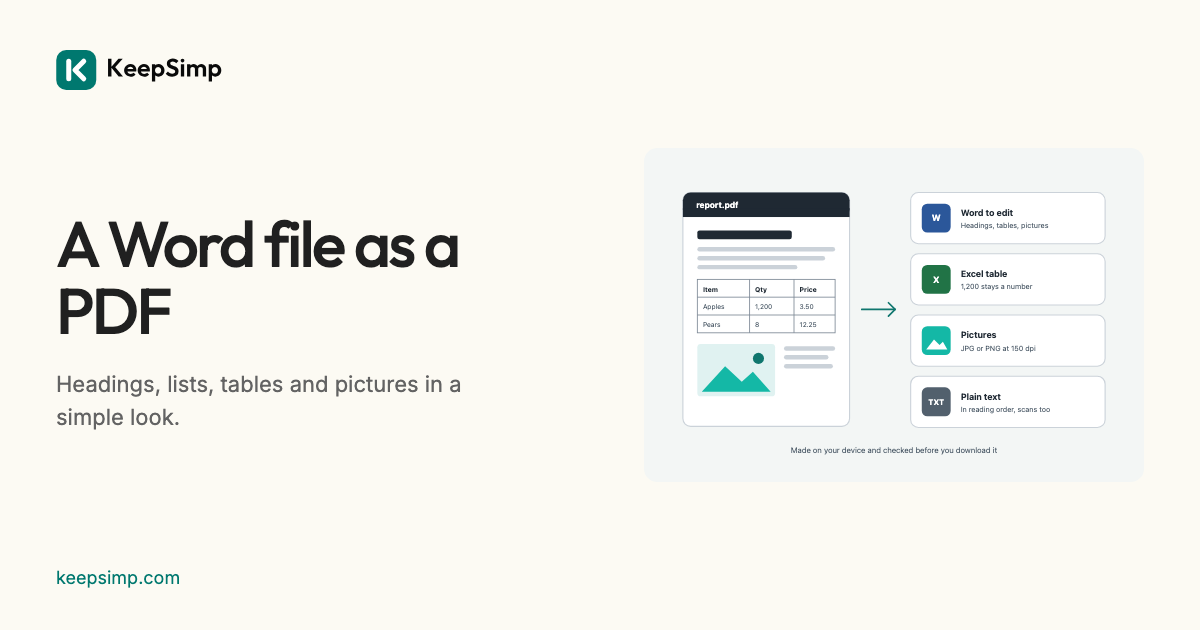
Word can save a PDF itself. When Word is not at hand, this makes one from the document's words and structure, plainly, on your device.
Add the Word file, press Make the PDF.
Open Word to PDF, add a .docx and press Make the PDF. Under More options, choose A4 or US Letter and the margins. Look through the PDF opens it before you download it.
A simple look, not Word's.
mammoth reads the document's meaning: headings by their Word styles, paragraphs, bold and italic, lists, tables, links and pictures. MuPDF lays that out on the paper you chose, in plain fonts of its own. Word's own fonts, spacing, colours, columns, headers and footers and page breaks are not read, so the PDF looks simpler than the document does in Word.
The fonts here draw Latin, Greek, Cyrillic and Chinese letters. When a document's letters cannot all be drawn, no PDF is offered and the page says why.
Not yet: old .doc files, Excel and PowerPoint.
An old .doc file can be saved as .docx in Word, Pages or LibreOffice first. Excel and PowerPoint files cannot be made into PDFs here yet; both programs save a PDF themselves.
Your file never leaves your device.
The PDF or Word file is read and the result is written in your browser. Nothing is uploaded, there is no account, and nothing is kept when you leave.
Further reading
Topics: Word to PDF · Word to PDF converter free · DOCX to PDF · DOCX to PDF converter · convert Word to PDF · DOC to PDF · Word to PDF without uploading
A little less theory. A little more doing.
Try it on your own terms, with a free browser tool.
Try the tool